Every Crusader Cloud account is anchored to at least one RSI Citizen, so contracts and payouts always trace back to a real in-game identity.
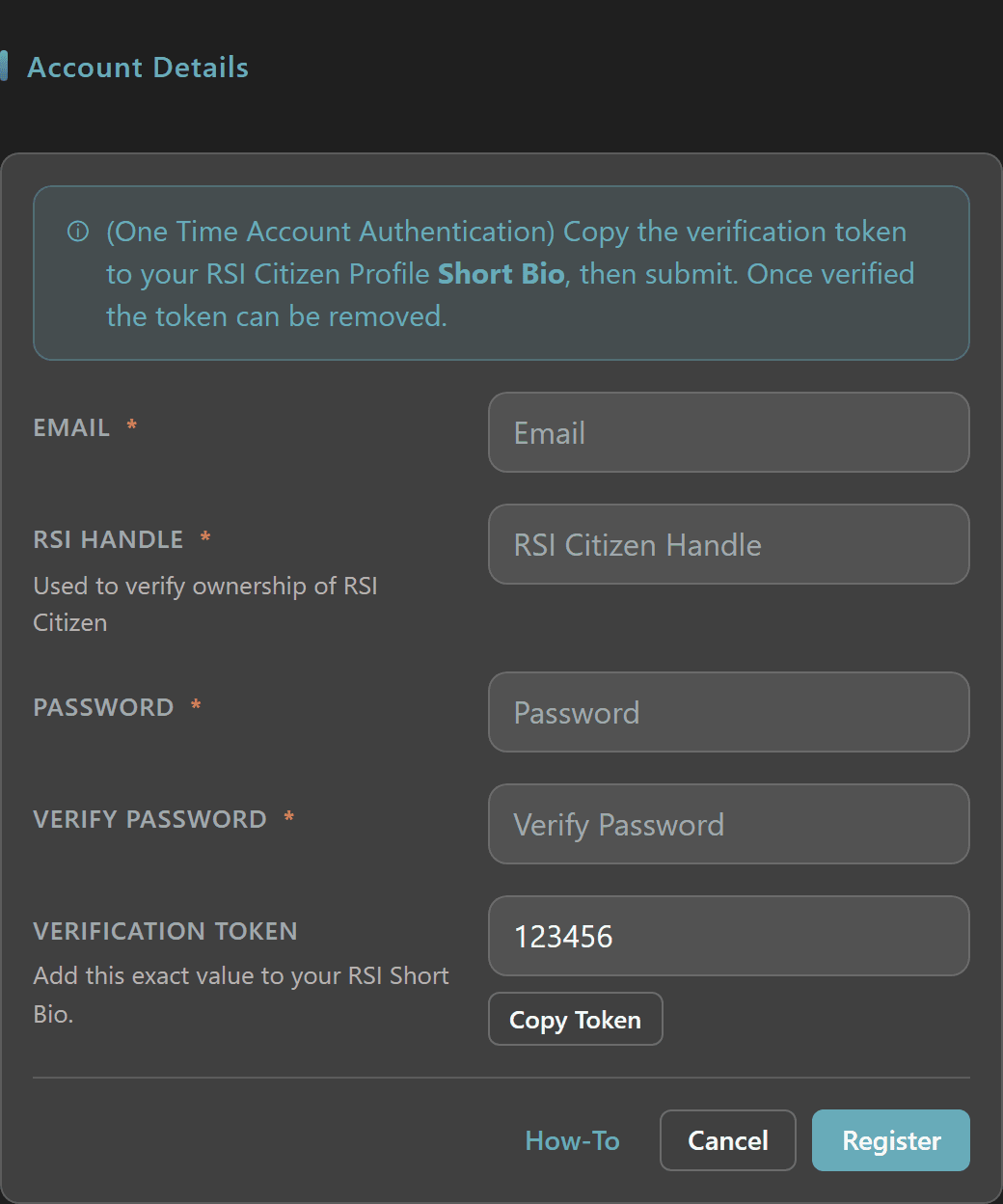
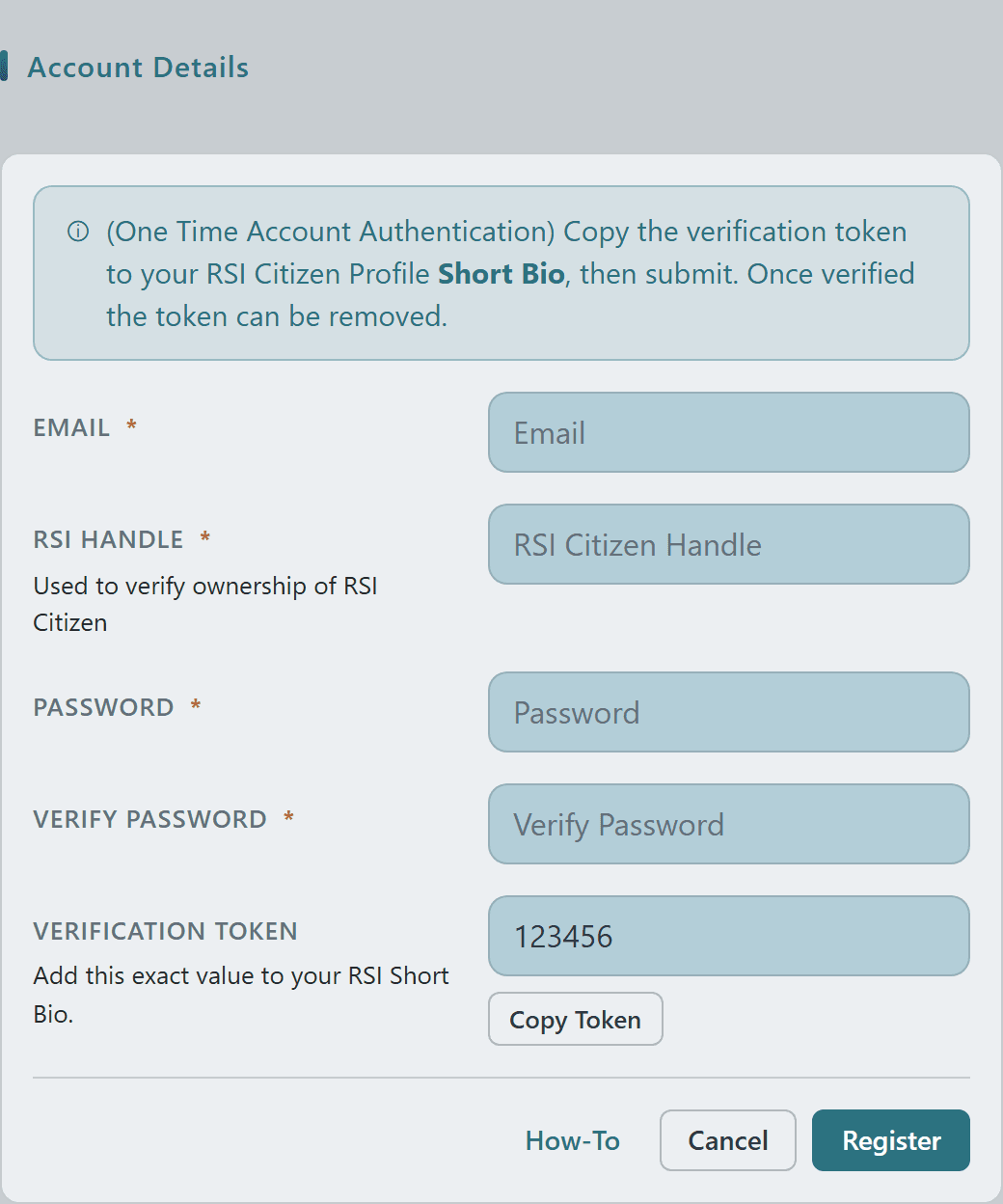
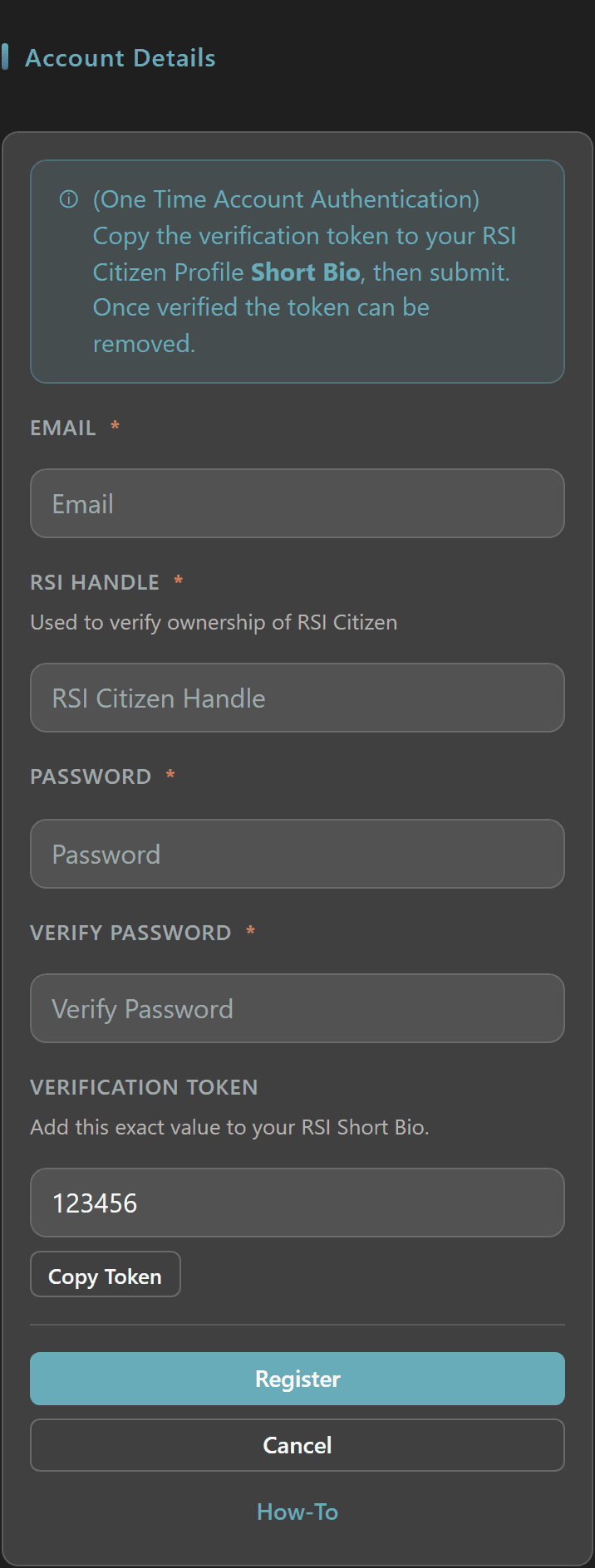
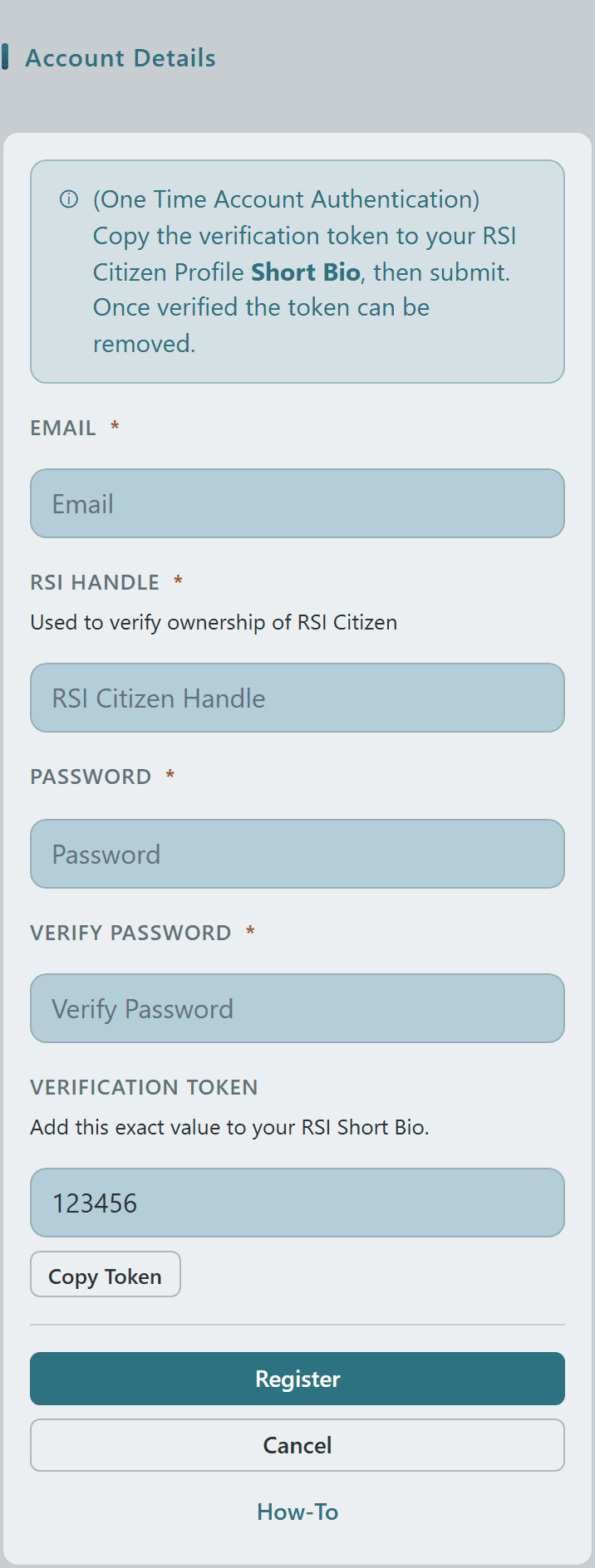
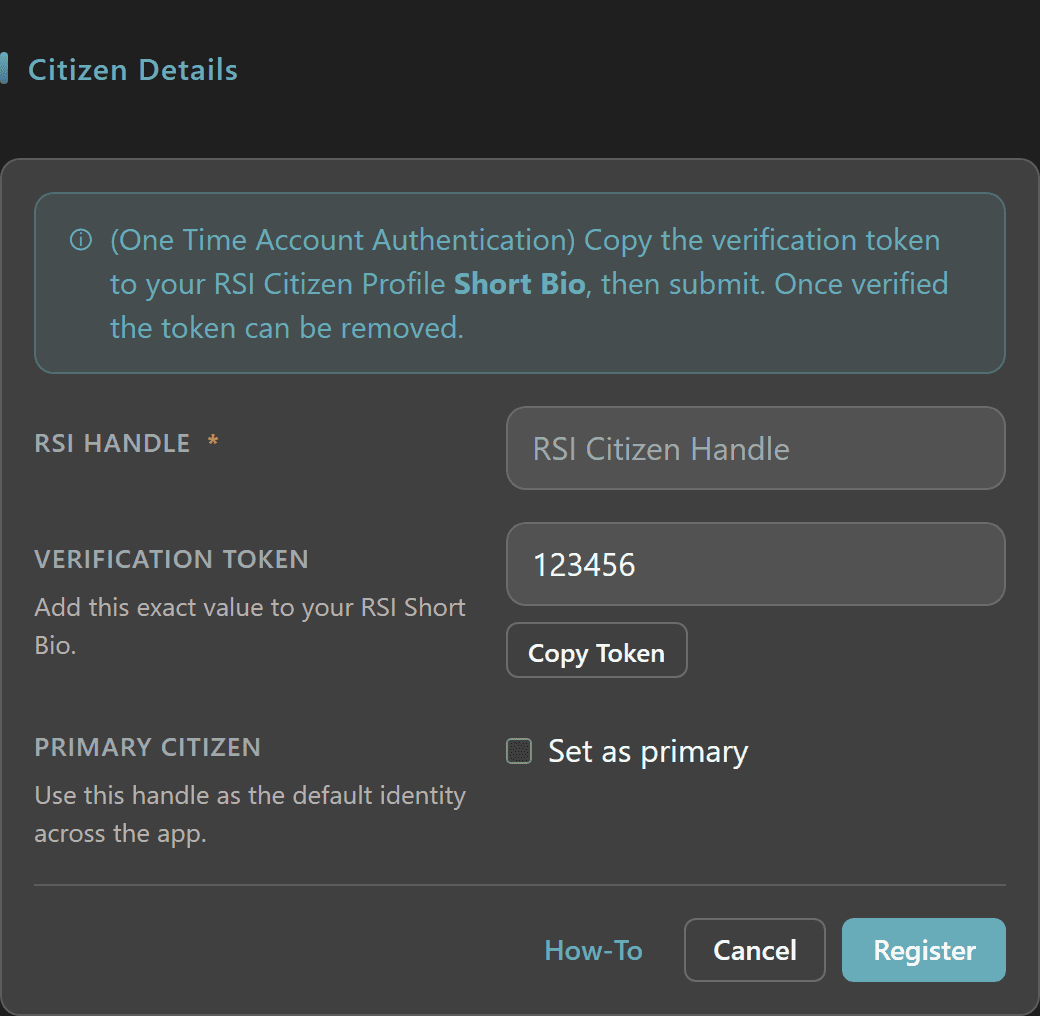
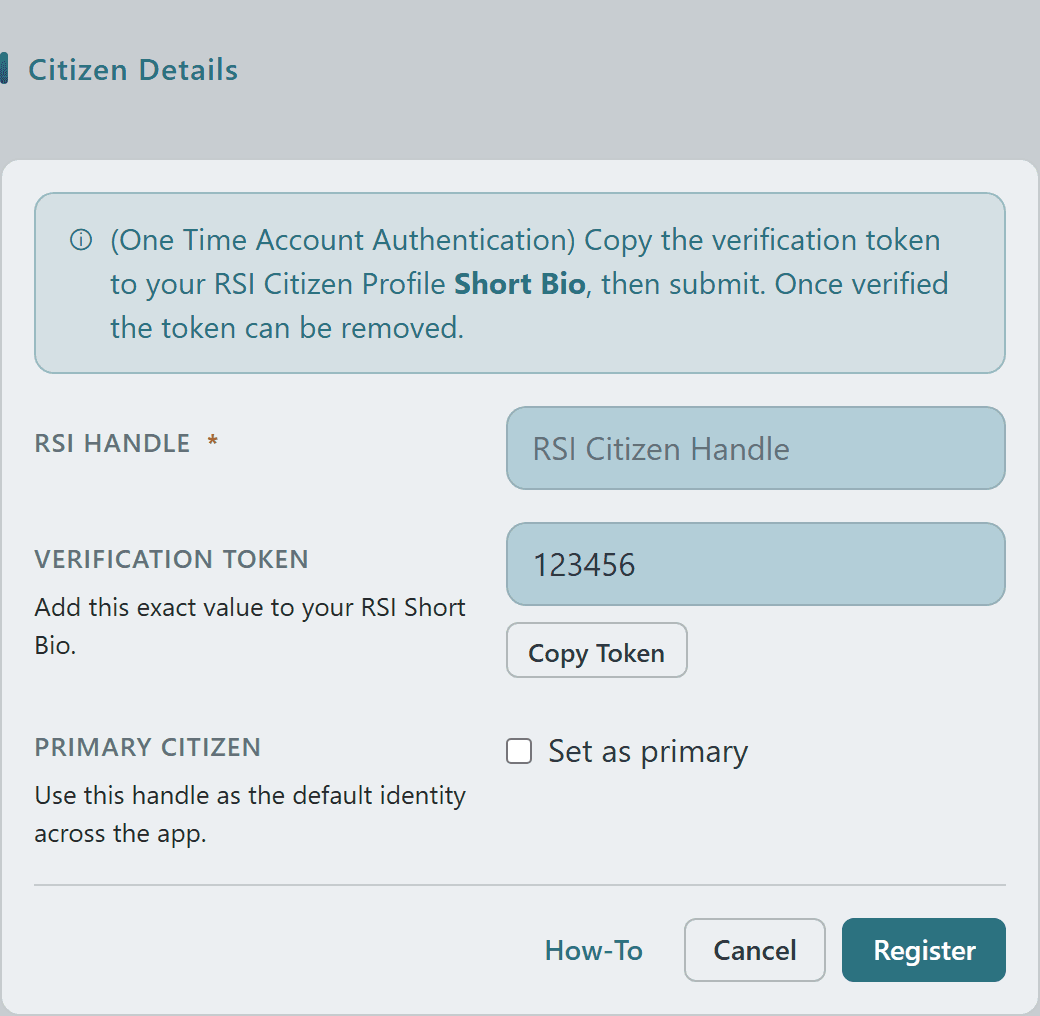
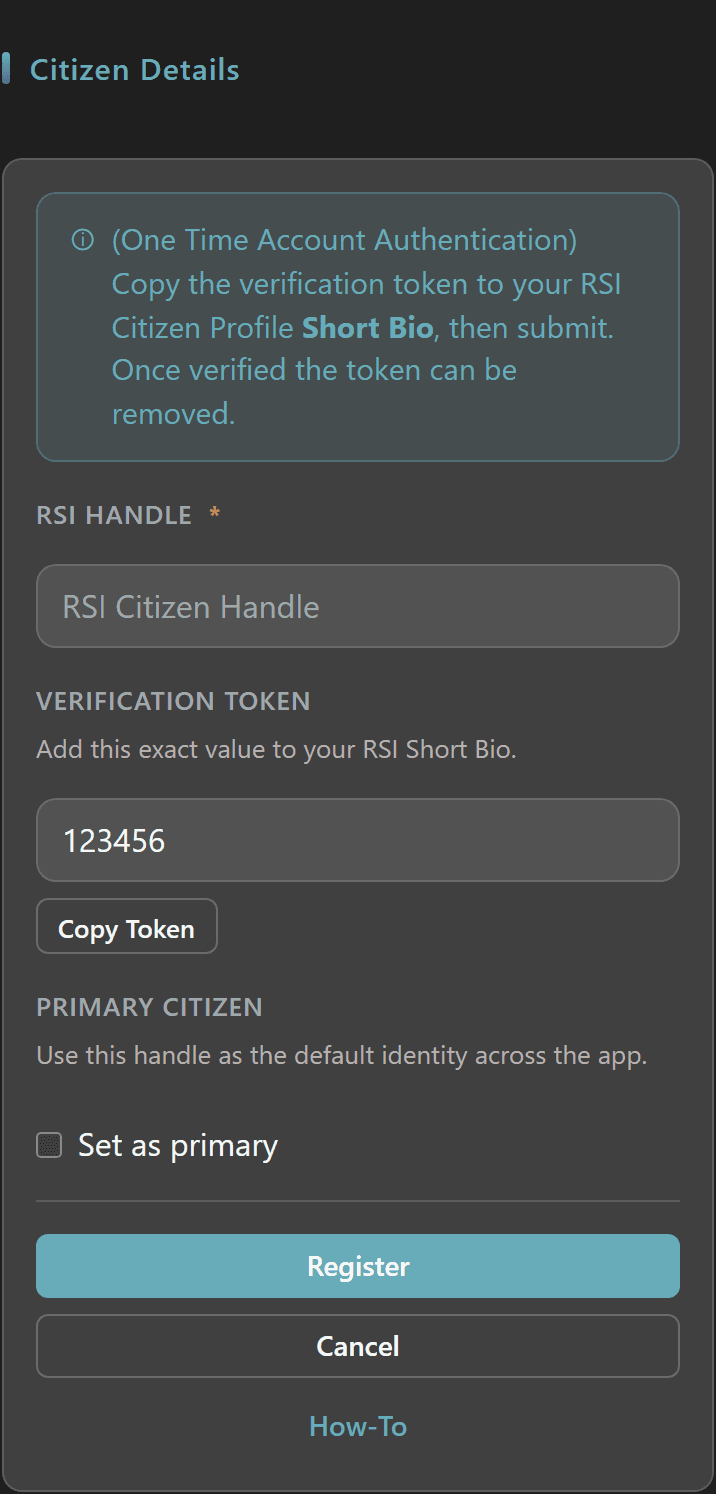
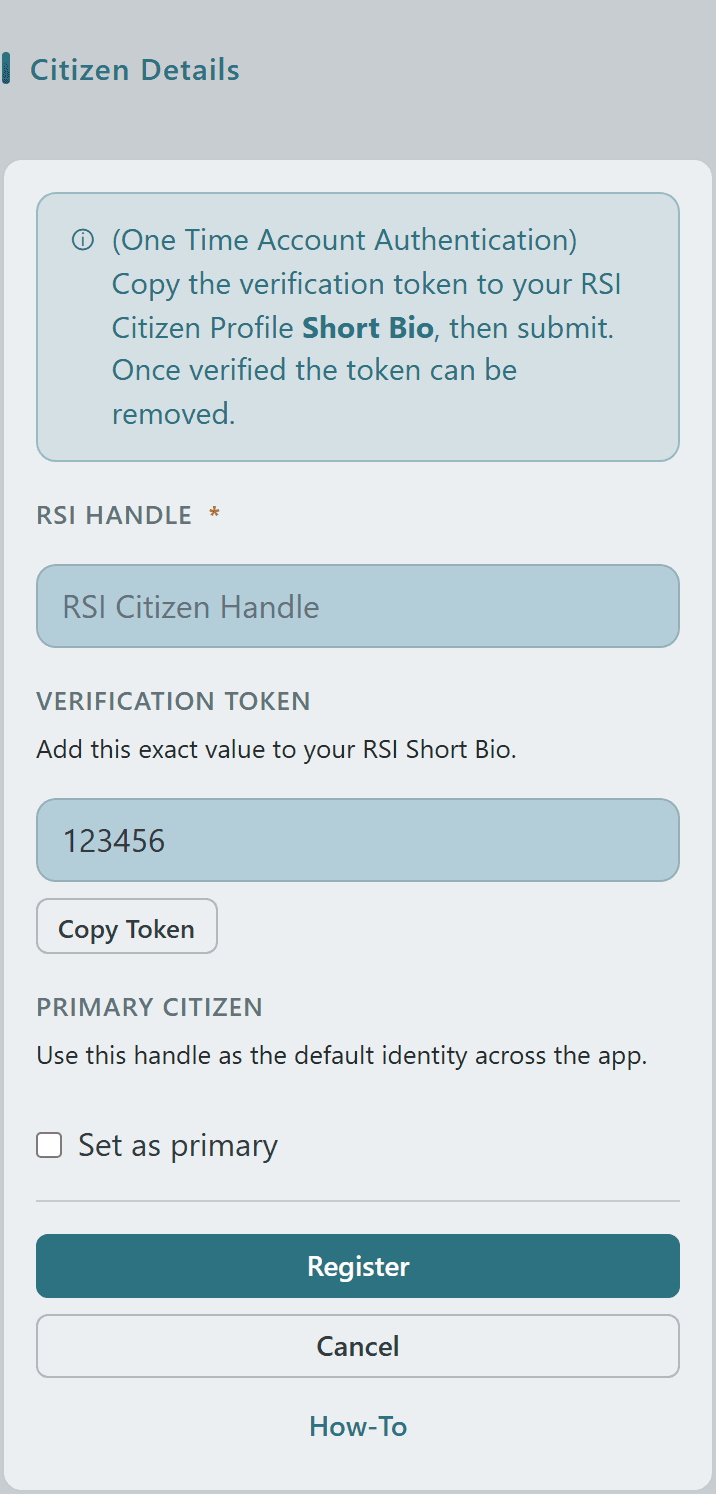
During registration you paste a verification token into your RSI Citizen Short Bio — this proves you own the handle before the account is created.
Already have an account? You can add additional RSI Citizens to the same Crusader Cloud account at any time.
Each new citizen goes through the same Short Bio verification — and the Set Primary toggle lets you make the new citizen your default identity right from the registration form.
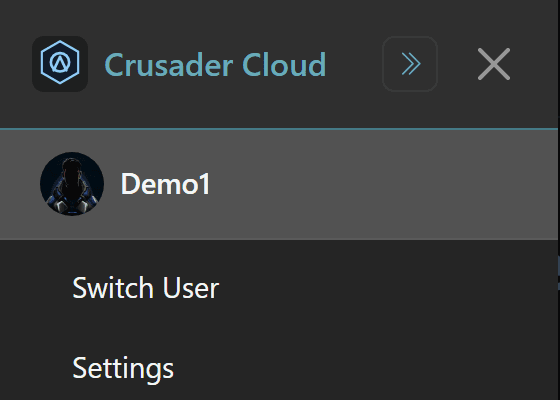
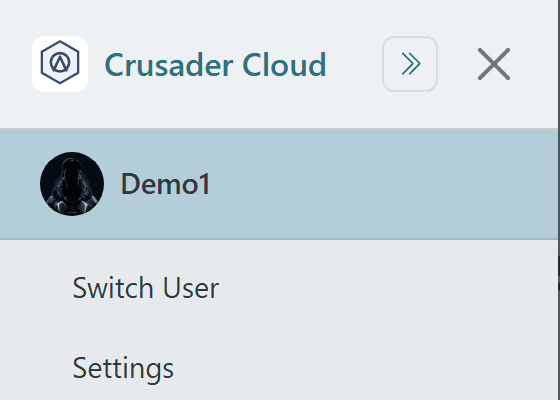
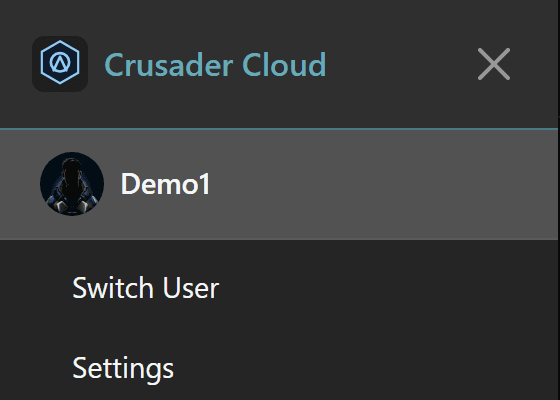
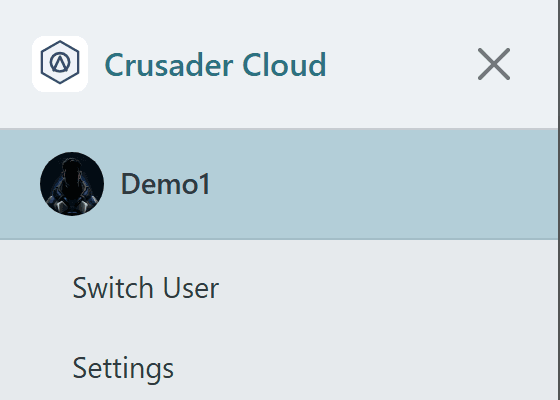
Open the side nav from any page to see which citizen is currently set as your Primary.
Use Switch User to flip between citizens you own — contracts, payouts, and org memberships all key off whichever citizen is active.
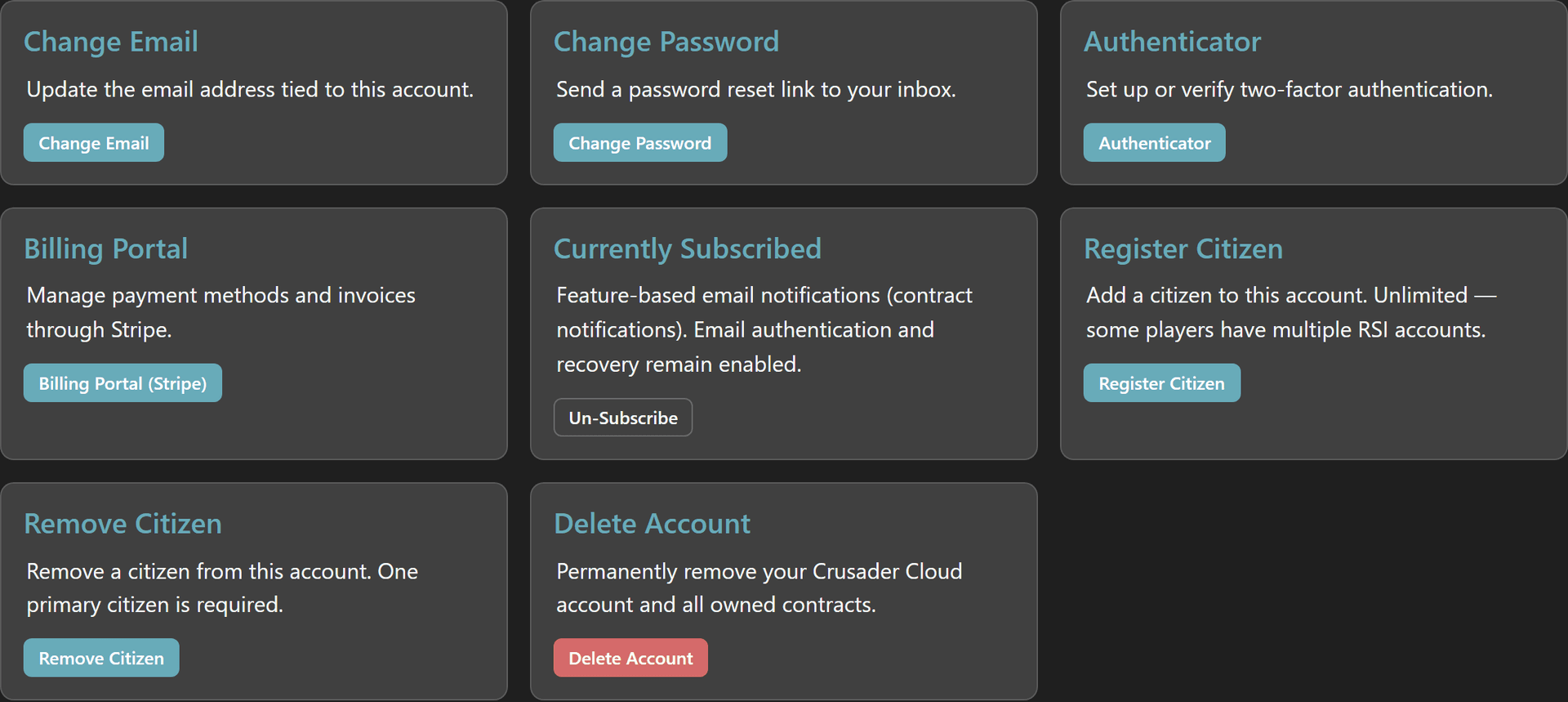
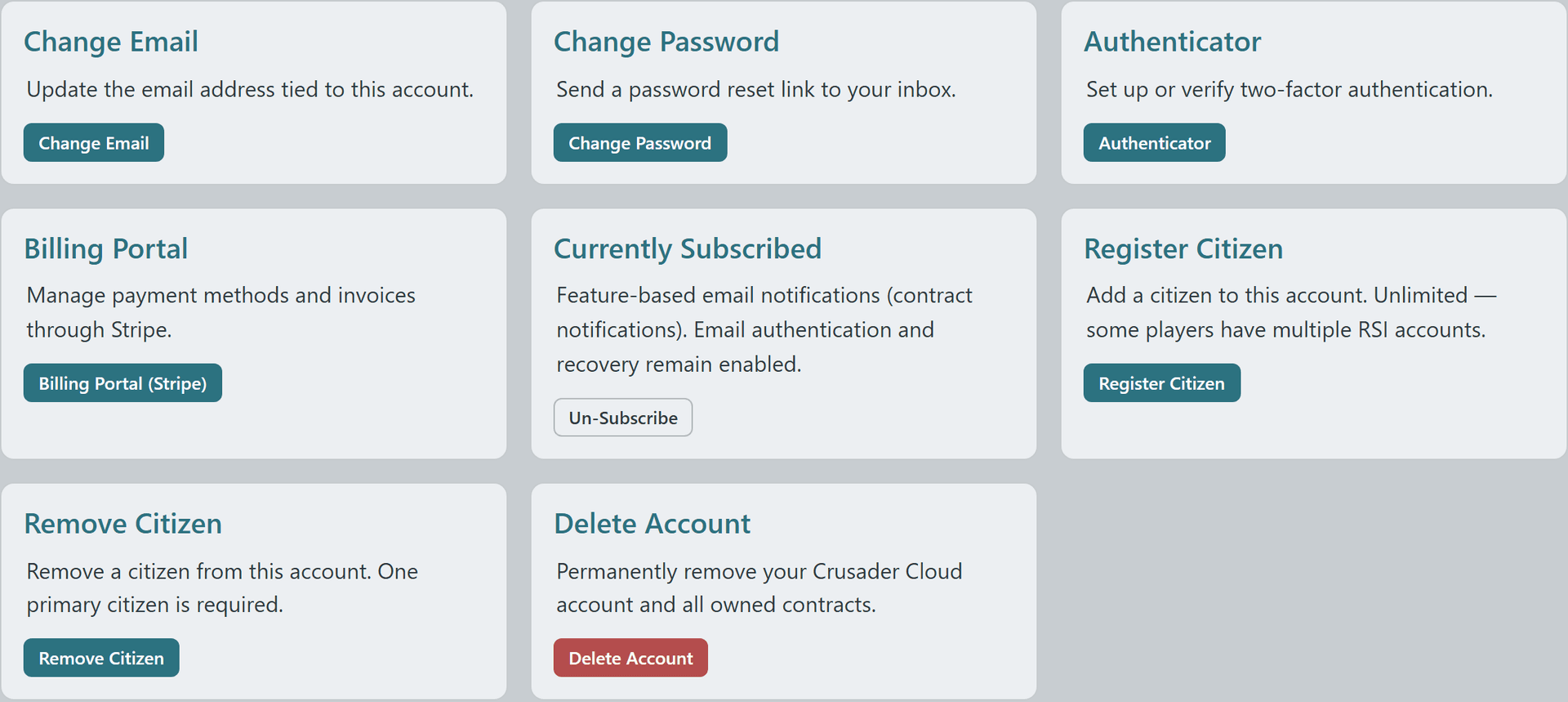
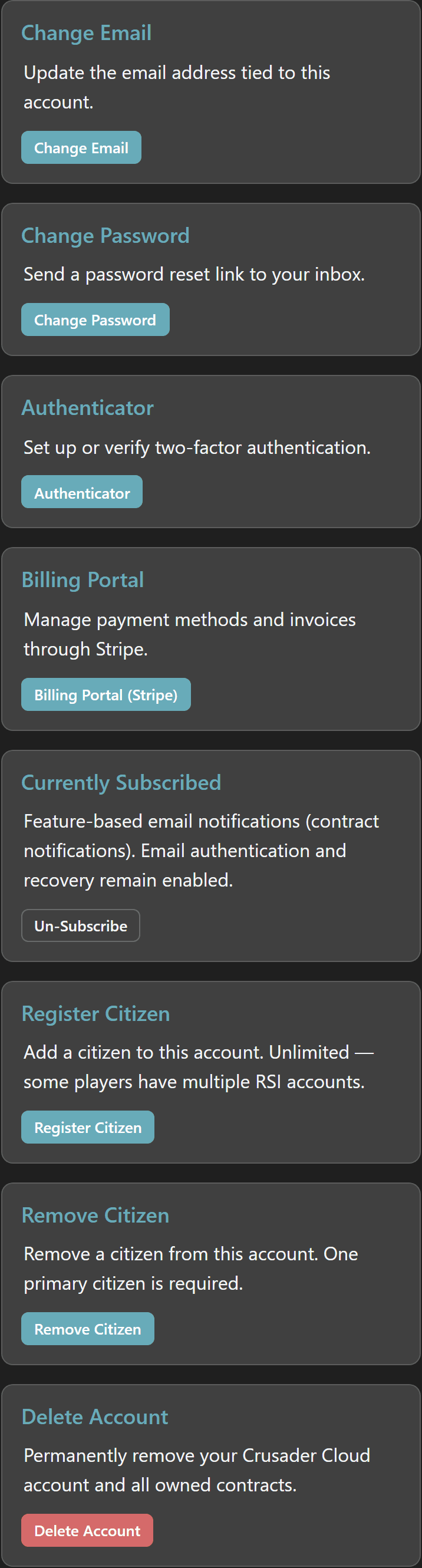
The Manage Profile page is your one-stop shop for everything account-level: register more citizens, remove old ones, manage email, password, and authenticator.
Suggestion: register all of your RSI citizens to a single Crusader Cloud account — otherwise you'll be logging in and out every time you swap handles in-game.