Feature

Mining Contracts

Step-by-step walkthrough of how this Crusader Cloud feature works.

1

When you return from a mining run, spin up a Mining Contract before you queue the Refinery order — the form mirrors the in-game refinery panel so you can copy across the refining date, cost, hours, location, refinery, and refining method as you read them off the terminal.

Check off every ore you mined from the structured grid (Quantanium, Taranite, Diamond, Laranite, Hephestanite, Titanium, Corundum, Aluminum, Iron, Gold, Bexalite, Borase, Beryl, Agricium, Copper, Quartz, Tungsten) — Crusader Cloud uses these to compute per-member splits at sale time.
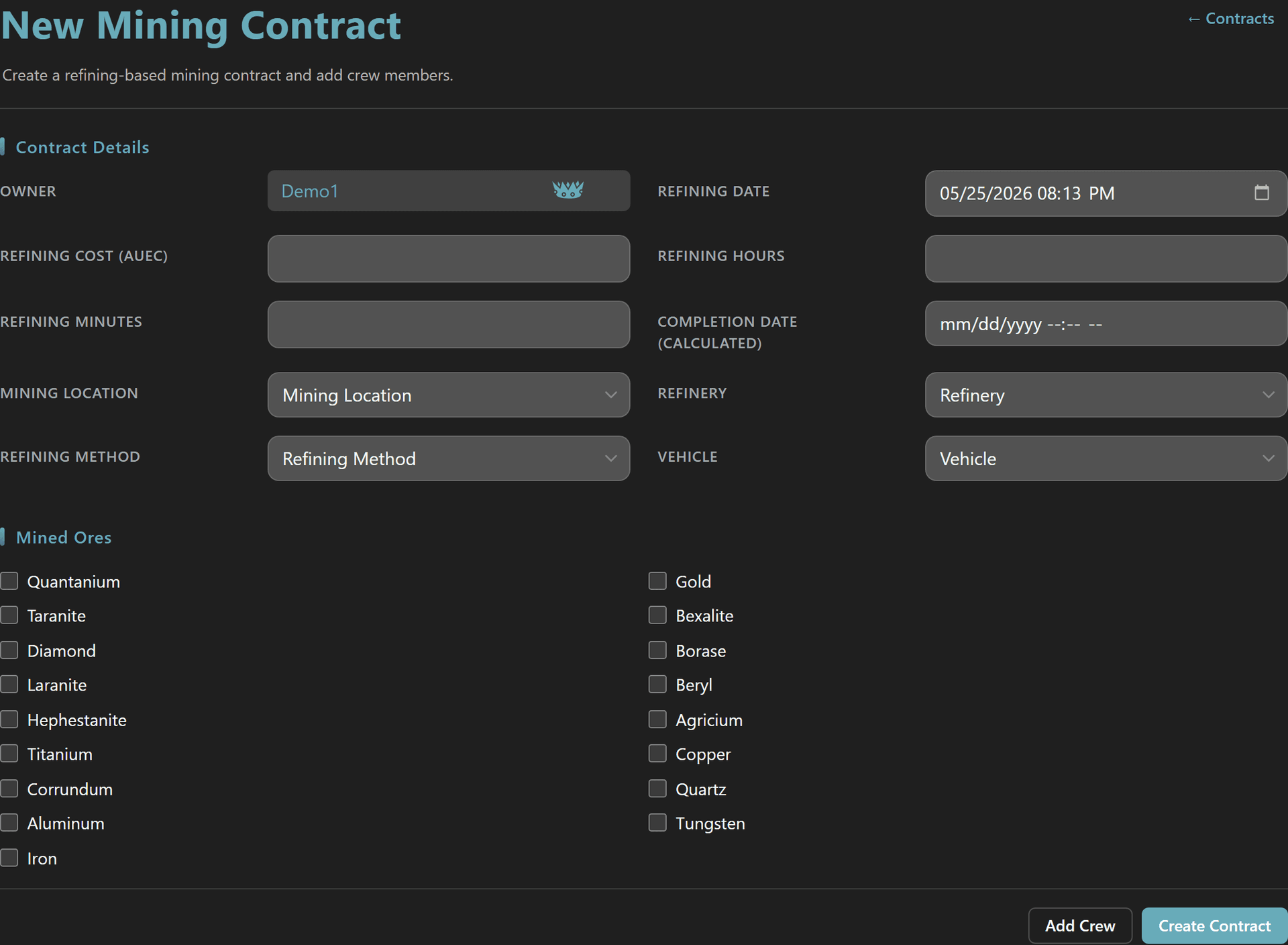
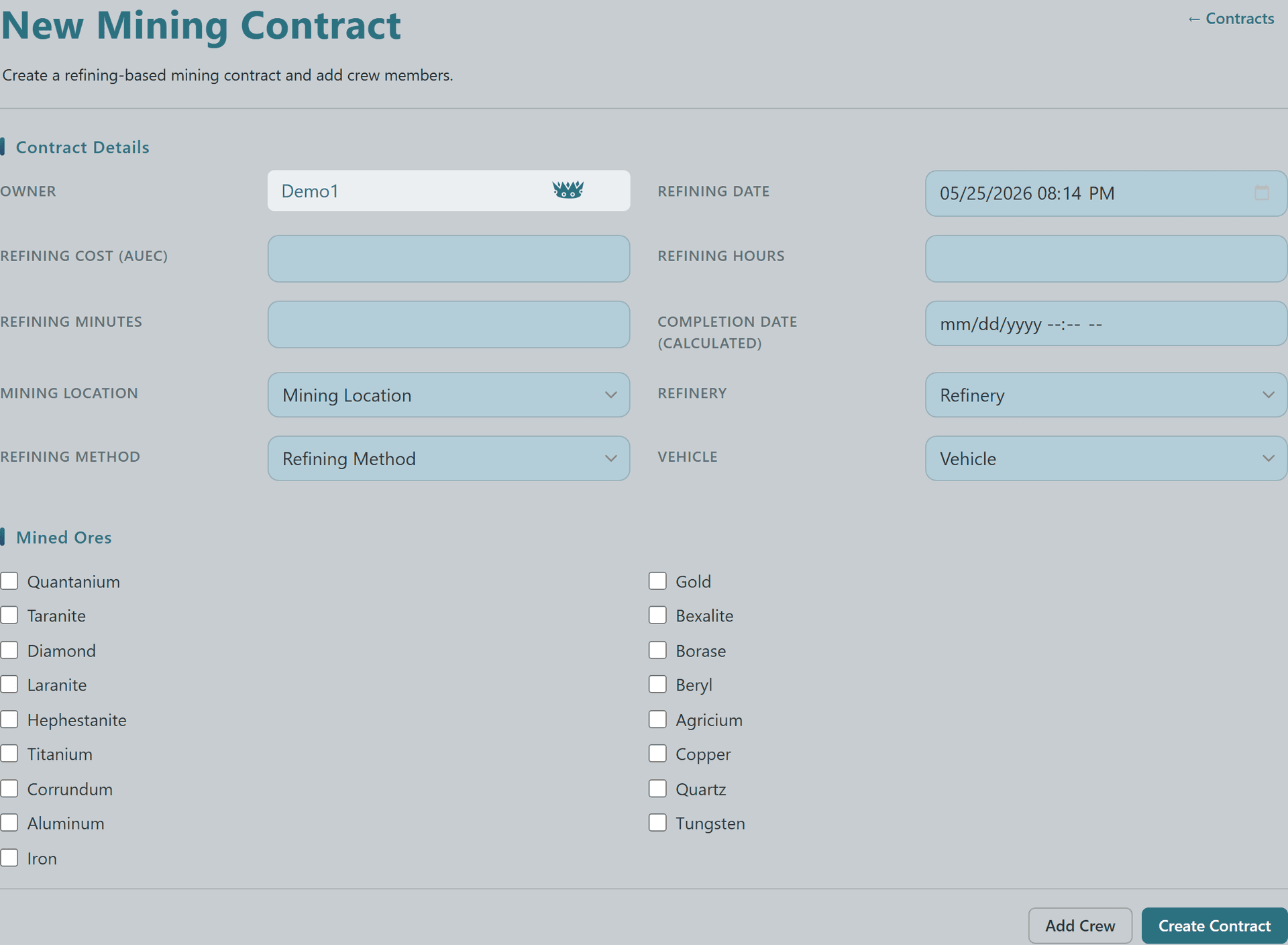
New Mining Contract form with owner, refining details, vehicle, and the full Mined Ores checkbox gridNew Mining Contract form with owner, refining details, vehicle, and the full Mined Ores checkbox gridNew Mining Contract form with owner, refining details, vehicle, and the full Mined Ores checkbox gridNew Mining Contract form with owner, refining details, vehicle, and the full Mined Ores checkbox grid
3

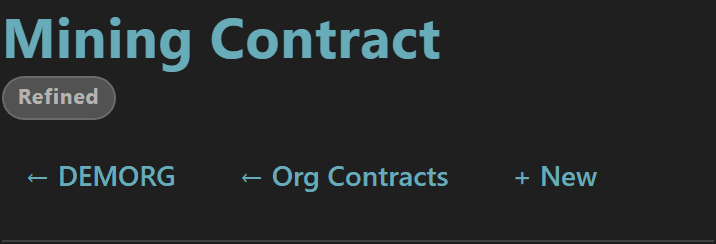
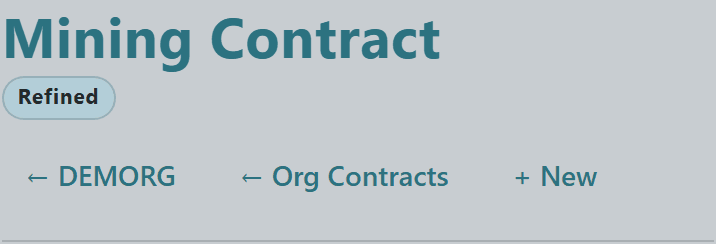
Once the in-game refining clock elapses, the contract status flips from Refining to Refined — visible as a status badge in the contract page header and as an email notification to the owner.

The breadcrumb row gives you one-click access back to the org contracts list or a quick "+ New" for spinning up the next refinery run while you wait at the ATC pad.


Mining Contract detail page header with Refined status badge and Org Contracts breadcrumbMining Contract detail page header with Refined status badge and Org Contracts breadcrumbMining Contract detail page header with Refined status badge and Org Contracts breadcrumbMining Contract detail page header with Refined status badge and Org Contracts breadcrumb
5

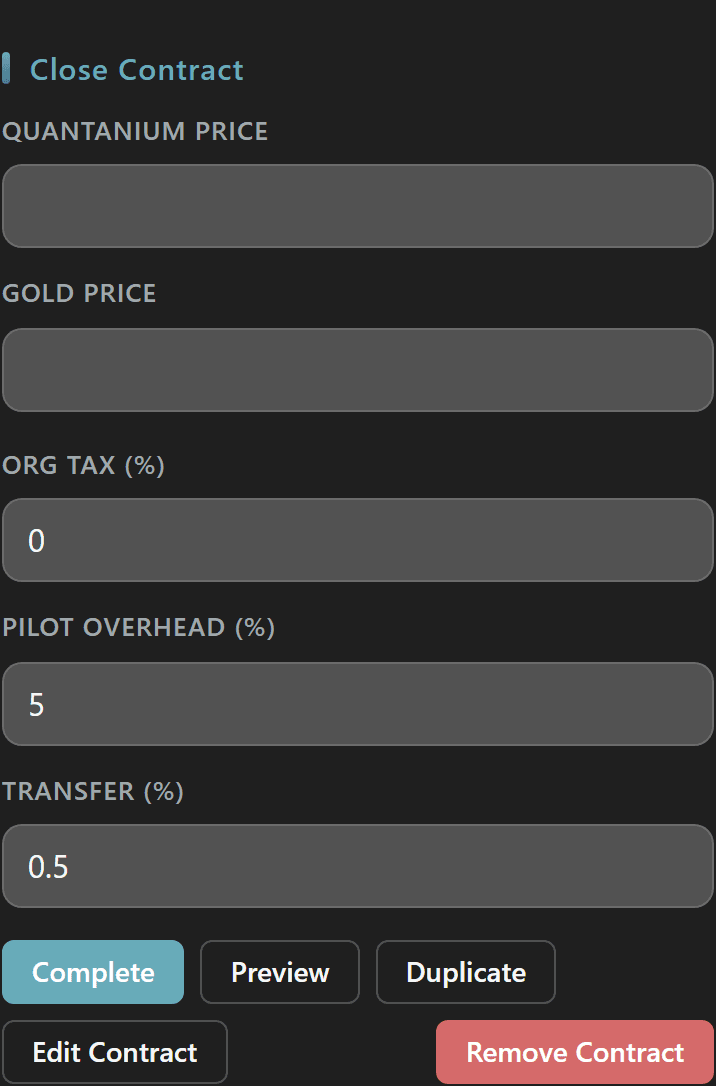
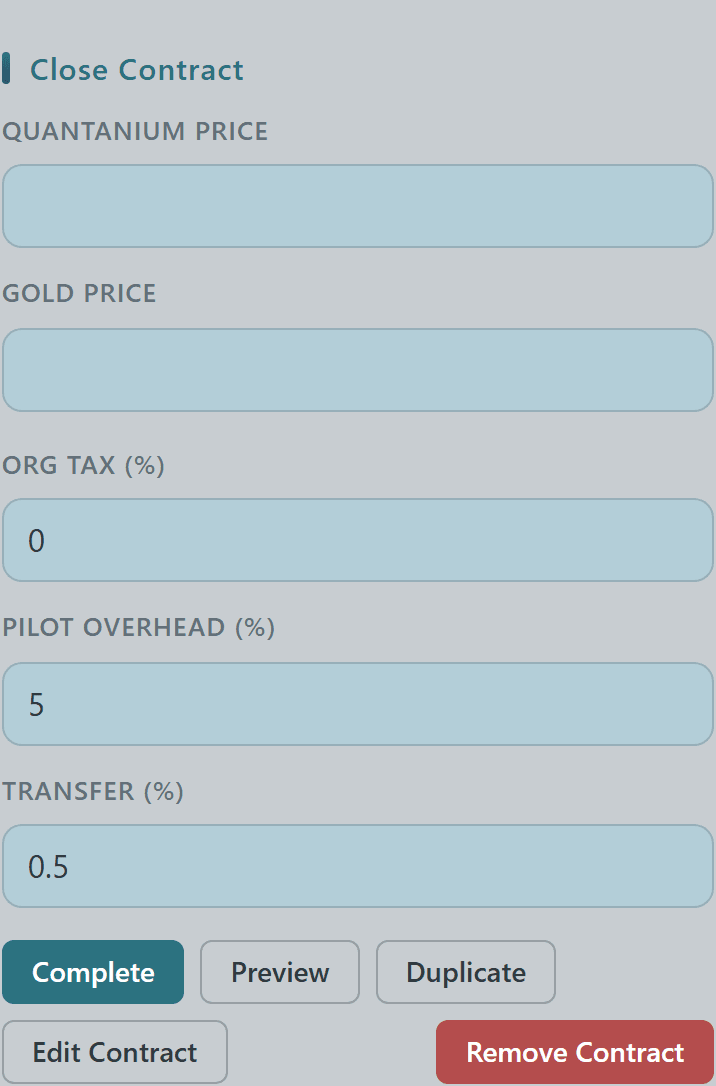
When you finally sell the refined goods, return to the contract and fill in the Close Contract panel — a per-ore price input row plus three percent fields: Org Tax (auto-filled from the org admin setting), Pilot Overhead, and Transfer.

Hit Preview to dry-run the split before money changes hands, then Complete to commit the payouts; the action row also exposes Duplicate (for repeat runs) and Edit/Remove for owners.
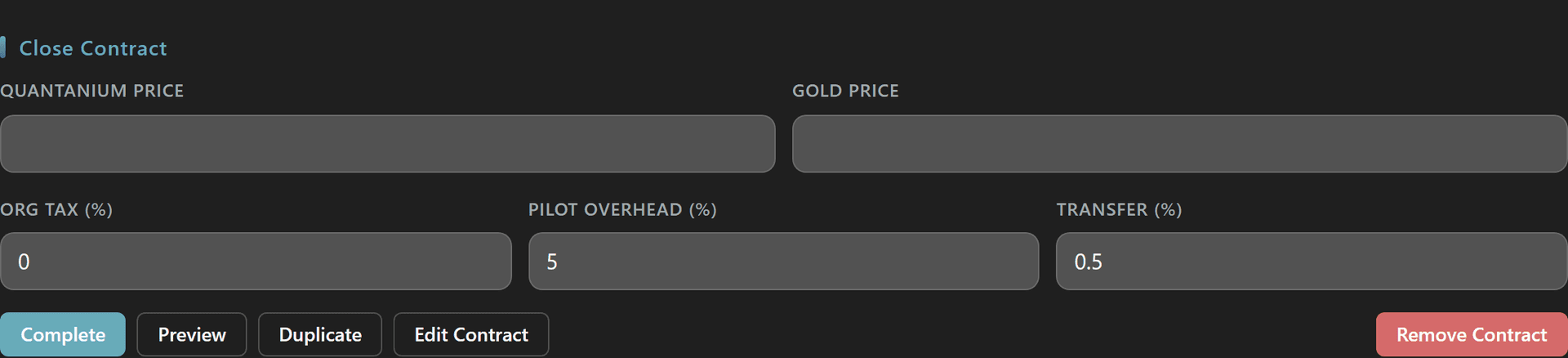
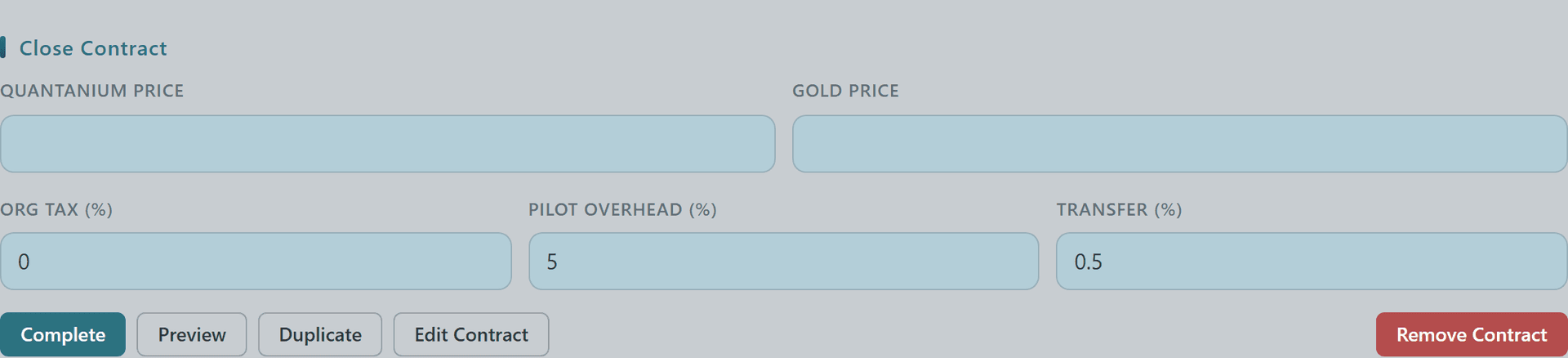
Close Contract form with per-ore price inputs and Org Tax / Pilot Overhead / Transfer percent fields plus Complete and Preview actionsClose Contract form with per-ore price inputs and Org Tax / Pilot Overhead / Transfer percent fields plus Complete and Preview actionsClose Contract form with per-ore price inputs and Org Tax / Pilot Overhead / Transfer percent fields plus Complete and Preview actionsClose Contract form with per-ore price inputs and Org Tax / Pilot Overhead / Transfer percent fields plus Complete and Preview actions
7

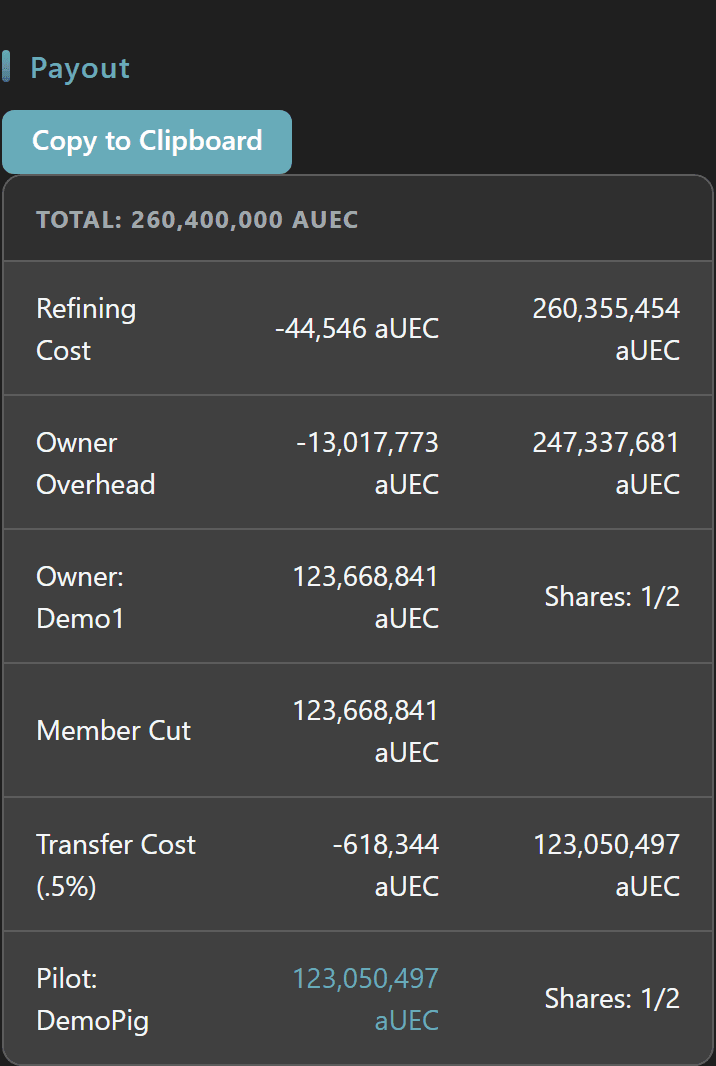
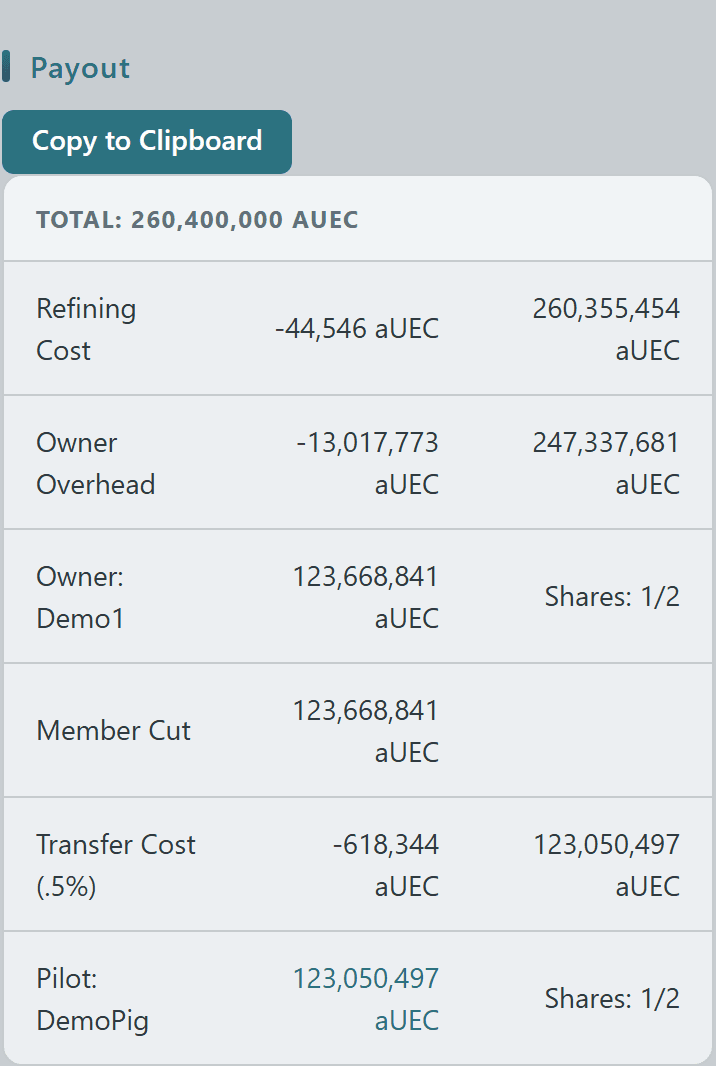
The Payout section lays out the full waterfall: the gross Total from your refined-ore sale prices, the Refining Cost deduction, optional Org Tax routed to the treasury handle, optional Pilot Overhead off the top, then the even Member Cut with the 0.5% Transfer Cost shaved off each crew share.

Every row shows the running balance and each member's 1/N share, and the Copy to Clipboard button formats the whole breakdown as a Discord code block so you can paste the split straight into your org channel.
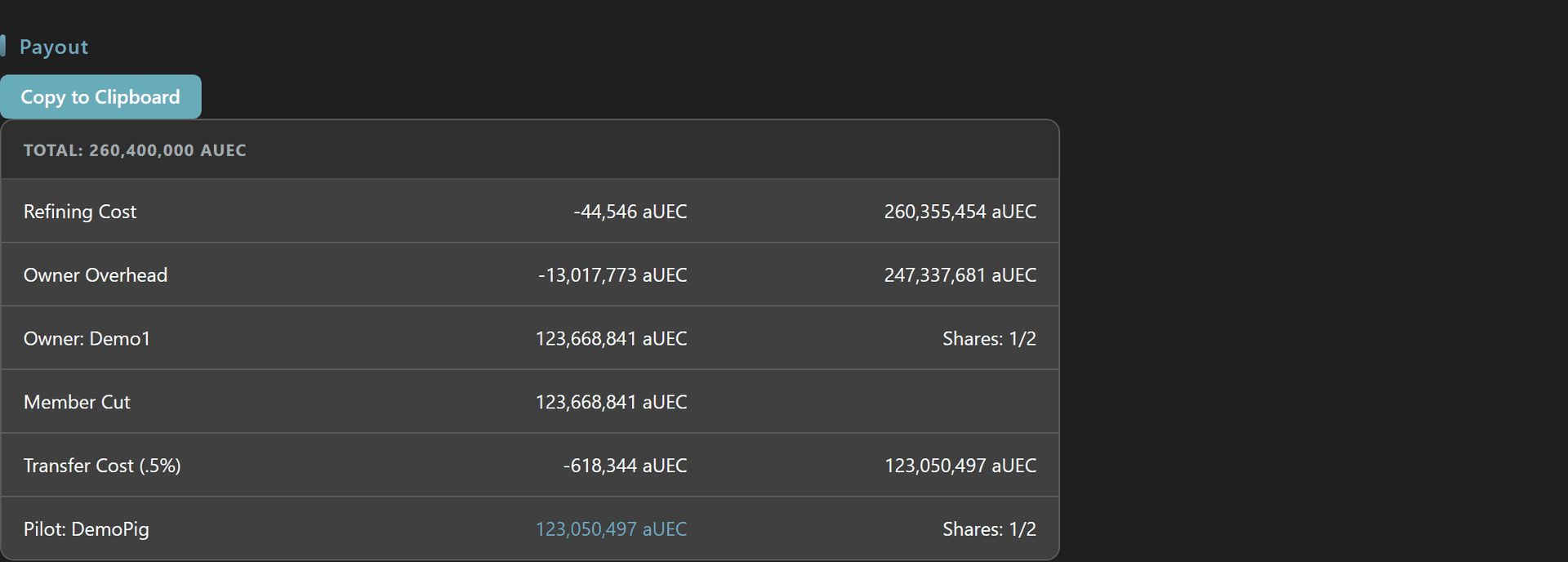
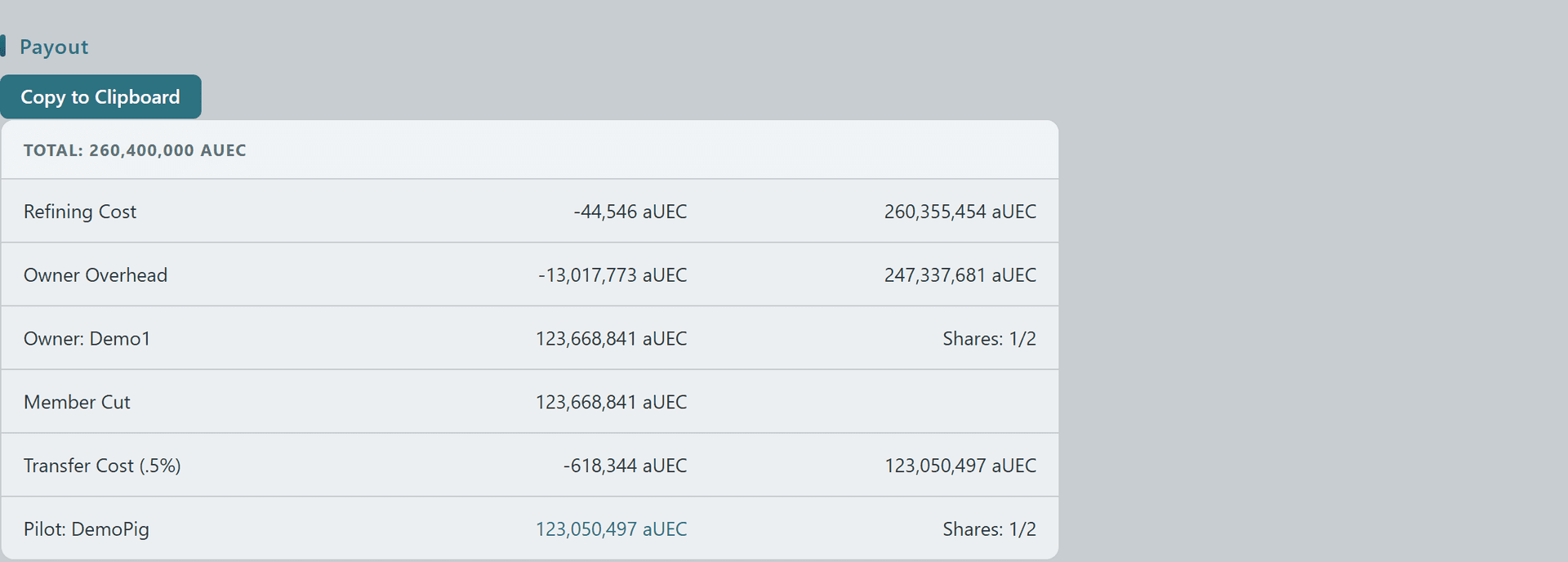
Mining contract Payout breakdown table showing Total, Refining Cost, Org Tax, Pilot Overhead, the even Member Cut and per-member 1/N shares with a Copy to Clipboard buttonMining contract Payout breakdown table showing Total, Refining Cost, Org Tax, Pilot Overhead, the even Member Cut and per-member 1/N shares with a Copy to Clipboard buttonMining contract Payout breakdown table showing Total, Refining Cost, Org Tax, Pilot Overhead, the even Member Cut and per-member 1/N shares with a Copy to Clipboard buttonMining contract Payout breakdown table showing Total, Refining Cost, Org Tax, Pilot Overhead, the even Member Cut and per-member 1/N shares with a Copy to Clipboard button
© 2026 Crusader Cloud
This is an unofficial fansite. Not affiliated with or endorsed by Cloud Imperium Games / Roberts Space Industries