Feature

Organization Branches

Step-by-step walkthrough of how this Crusader Cloud feature works.

1

Real organizations have specialized teams — combat, mining, medical, logistics.

Branches let you carve your org into independent sub-units, each with its own leadership and chain of command, while still rolling up to the org as a whole.


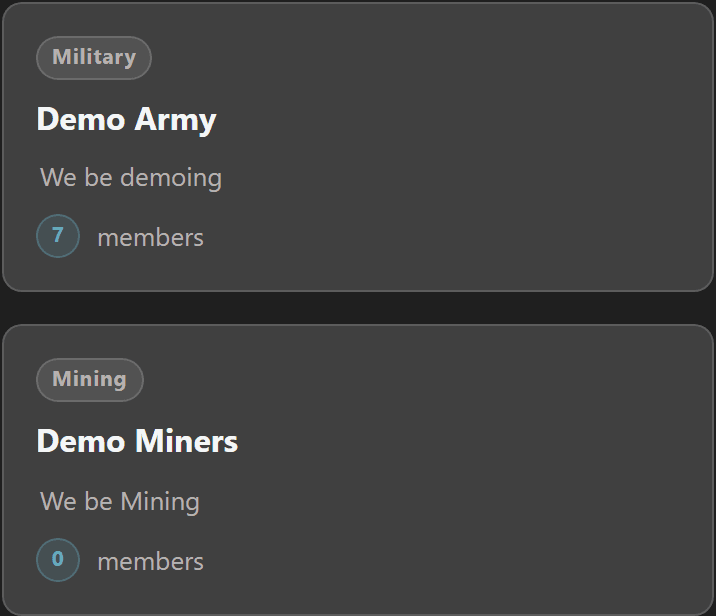
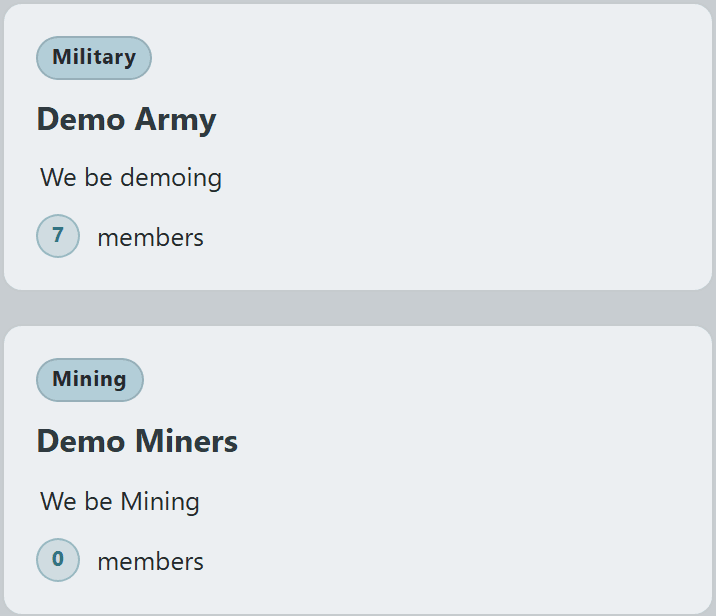
Branches list showing each branch as a card with its type and member countBranches list showing each branch as a card with its type and member countBranches list showing each branch as a card with its type and member countBranches list showing each branch as a card with its type and member count
3

Each branch is a hub with quick links to its own Role Chart, member tree, Standard Operating Procedures, and After Action Report registry.

Branch leaders manage their team independently of org-wide changes — moving a member up a rank in the Demo Army branch doesn't affect their position in any other branch.


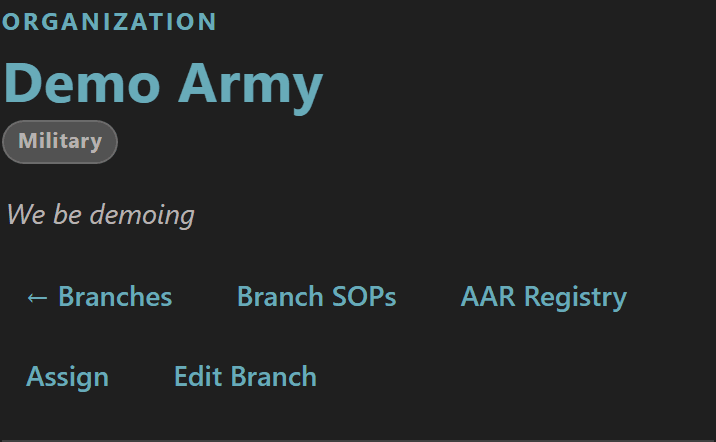
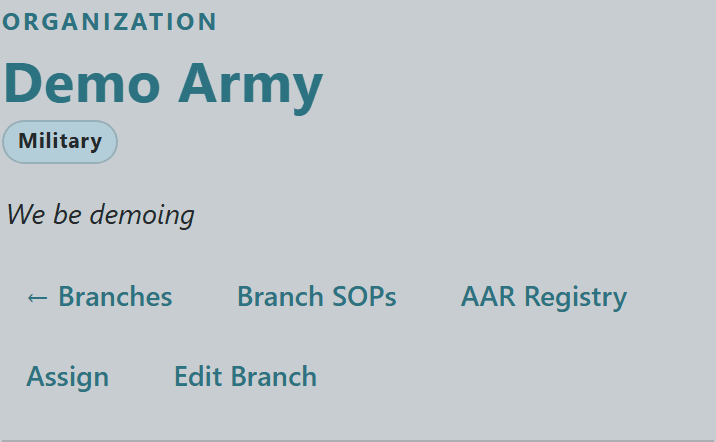
Branch header with cross-links to Branch SOPs and the AAR RegistryBranch header with cross-links to Branch SOPs and the AAR RegistryBranch header with cross-links to Branch SOPs and the AAR RegistryBranch header with cross-links to Branch SOPs and the AAR Registry
5

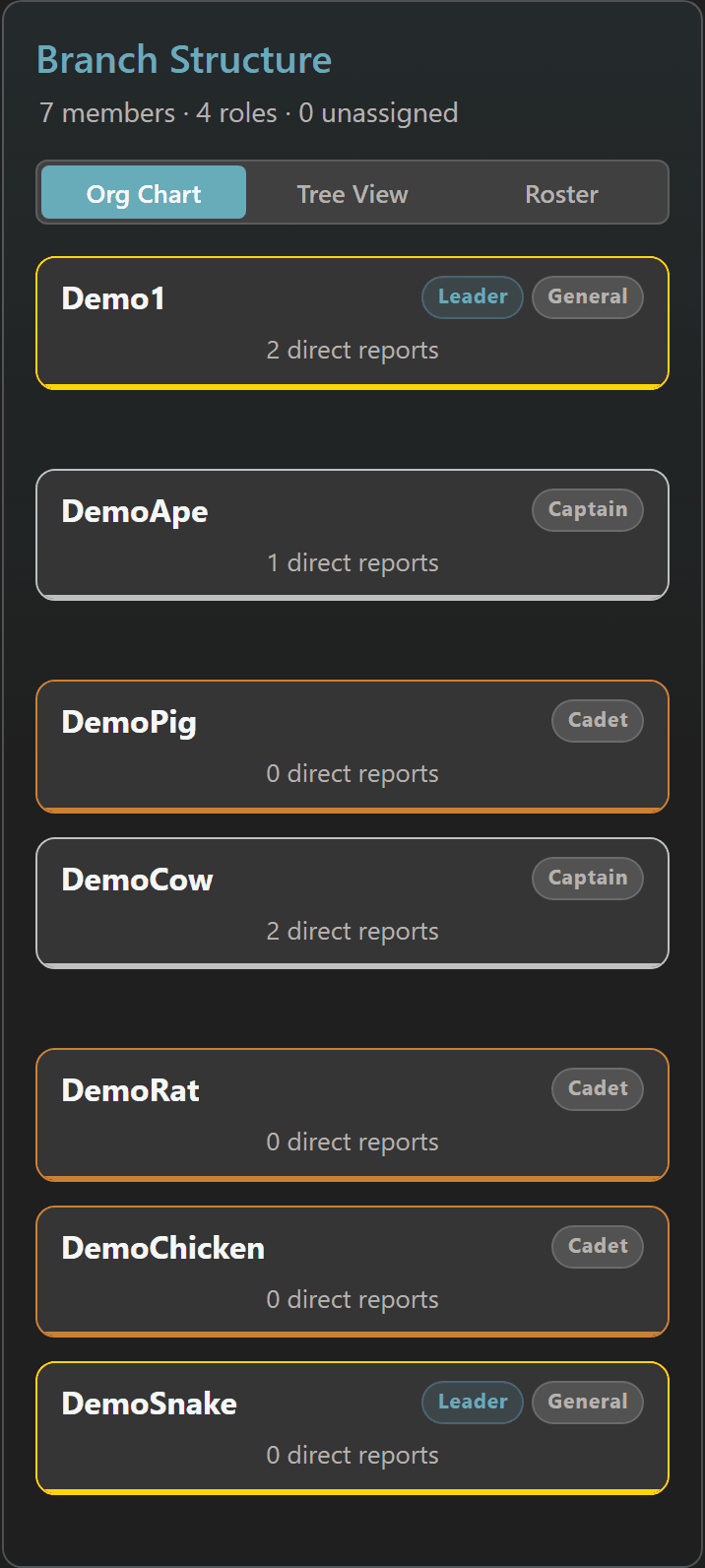
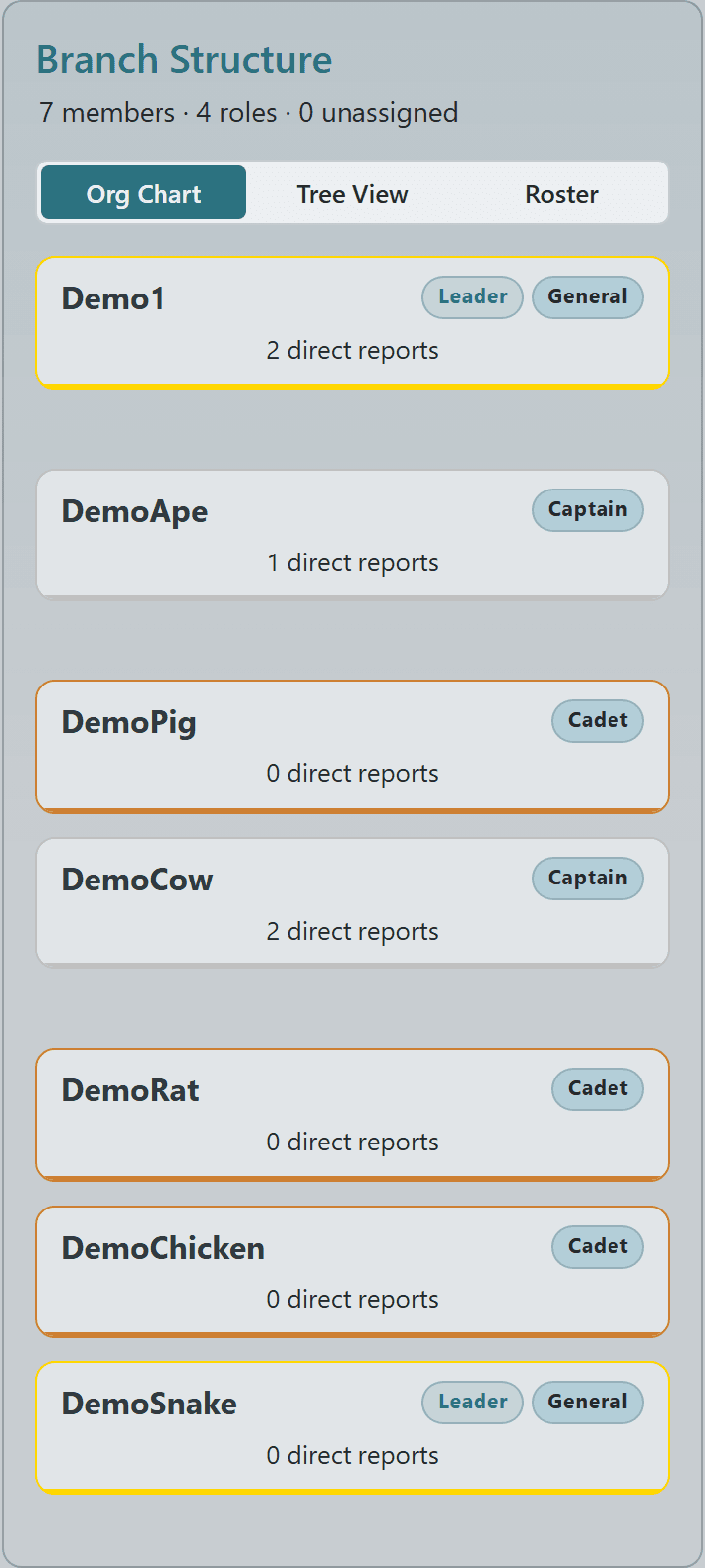
Inside a branch, the Role Chart and member tree show exactly who reports to whom.

Build a custom hierarchy for the branch with ranks, direct-report counts, and color-coded roles — totally independent of the main org chart.
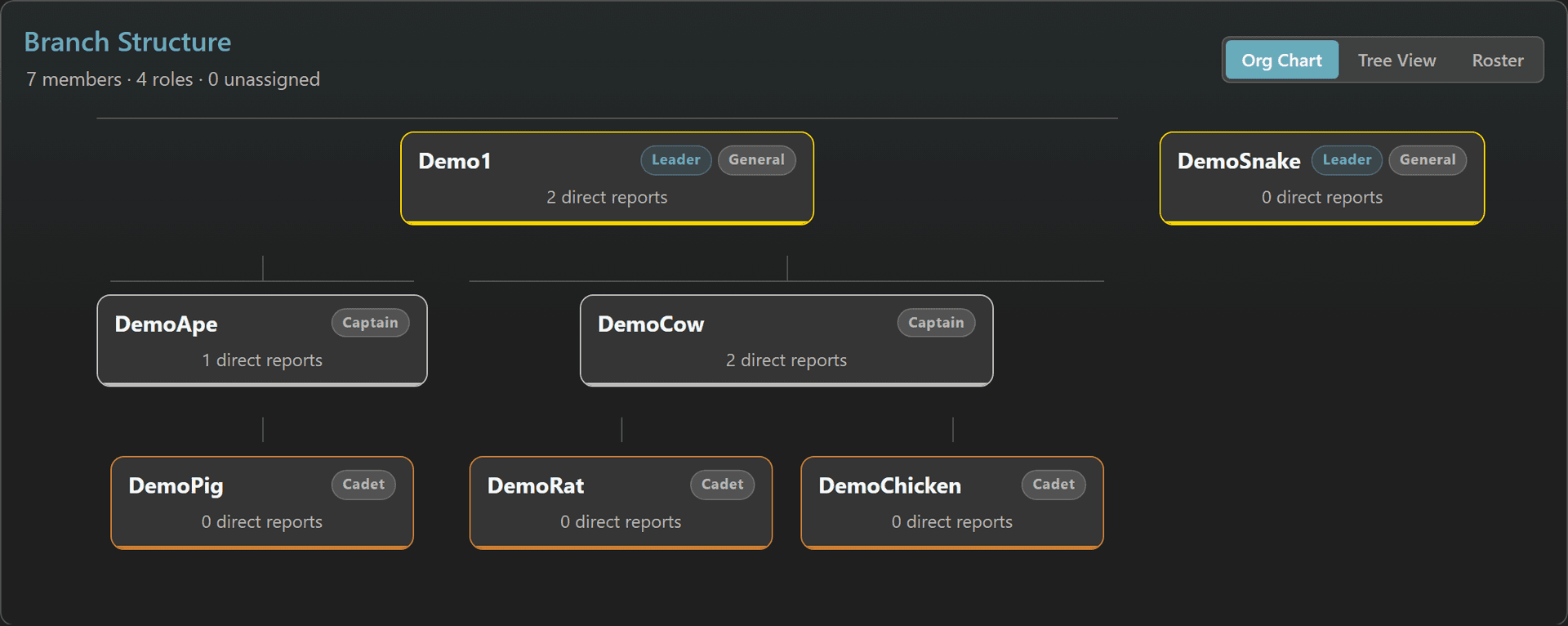
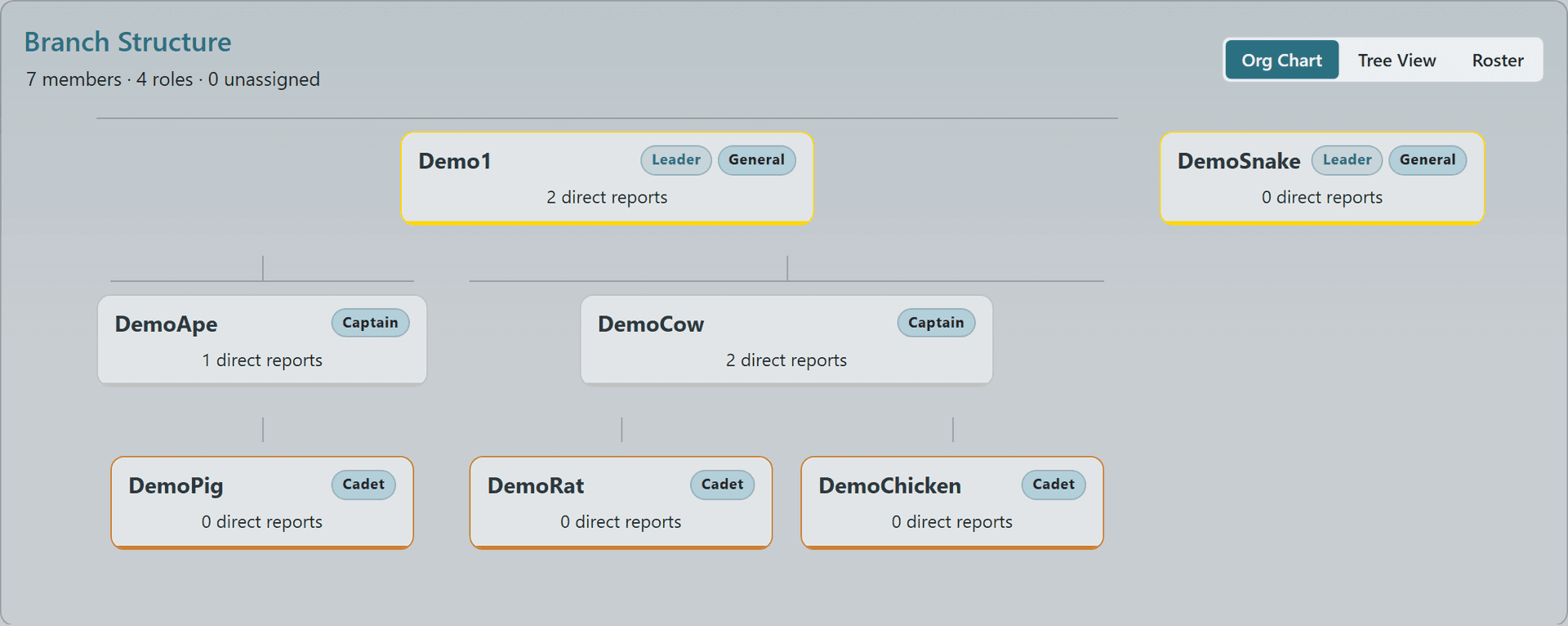
Branch role chart and member tree showing the internal reporting structureBranch role chart and member tree showing the internal reporting structureBranch role chart and member tree showing the internal reporting structureBranch role chart and member tree showing the internal reporting structure
© 2026 Crusader Cloud
This is an unofficial fansite. Not affiliated with or endorsed by Cloud Imperium Games / Roberts Space Industries