Feature

Organization Contracts

Step-by-step walkthrough of how this Crusader Cloud feature works.

1

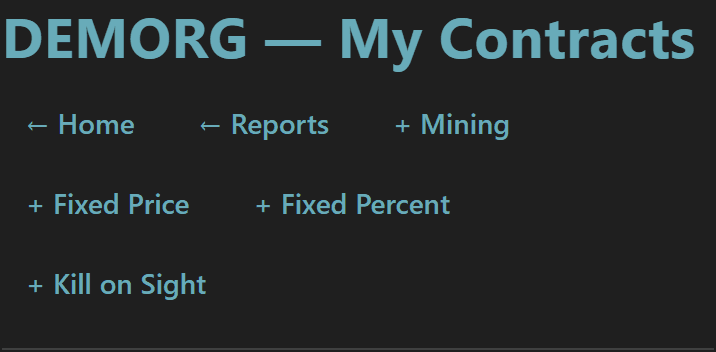
The Org Contracts dashboard is your single jumping-off point for every payout type the org runs: Mining, Fixed Price, Fixed Percent, and Kill on Sight all live behind a single header.

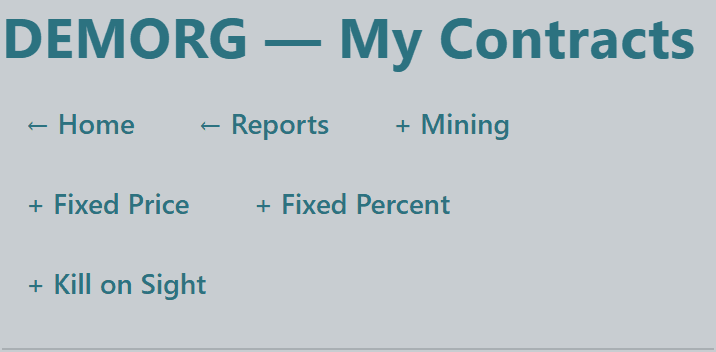
One-click Create buttons in the header take you straight to the relevant new-contract form so leadership can spin up a contract without hunting through menus.


Org contracts header with create buttons for Mining, Fixed Price, Fixed Percent, and Kill on SightOrg contracts header with create buttons for Mining, Fixed Price, Fixed Percent, and Kill on SightOrg contracts header with create buttons for Mining, Fixed Price, Fixed Percent, and Kill on SightOrg contracts header with create buttons for Mining, Fixed Price, Fixed Percent, and Kill on Sight
3

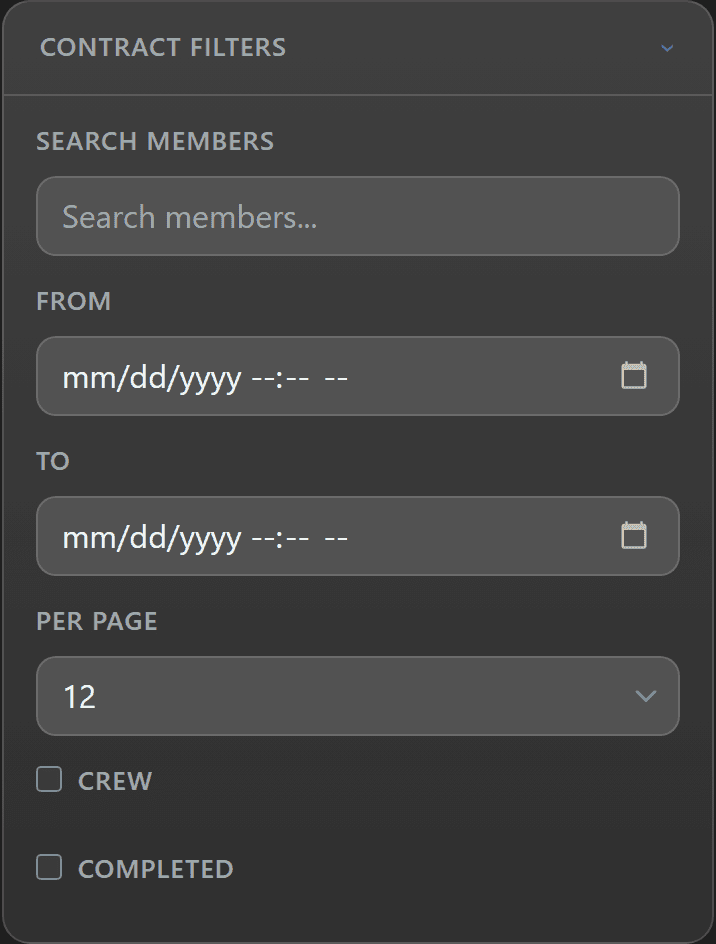
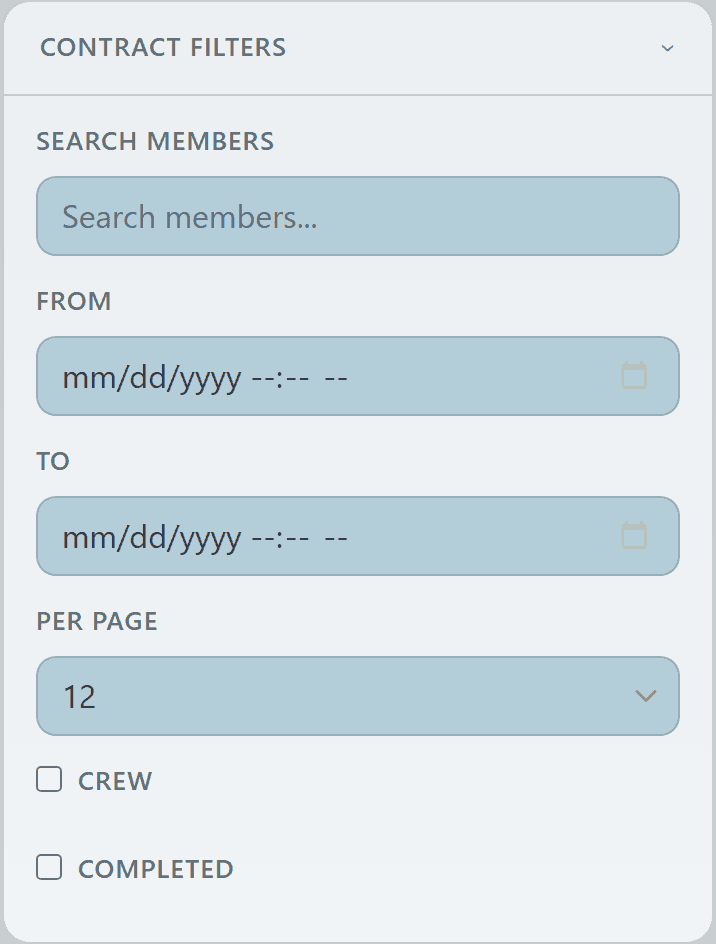
A collapsible filter panel narrows the view by member, date range, page size, crew-only contracts, or completed-only contracts.

Useful when a high-volume org is auditing payouts for a specific operation or member without scrolling forever through history.


Org contract filter panel with member search, date range, and crew/completed togglesOrg contract filter panel with member search, date range, and crew/completed togglesOrg contract filter panel with member search, date range, and crew/completed togglesOrg contract filter panel with member search, date range, and crew/completed toggles
5

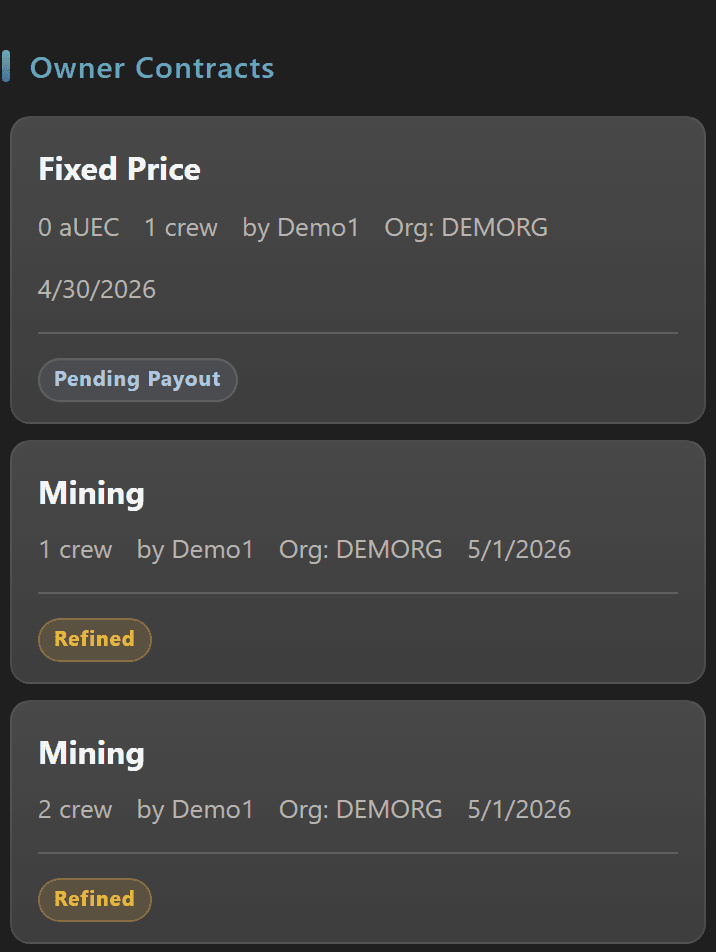
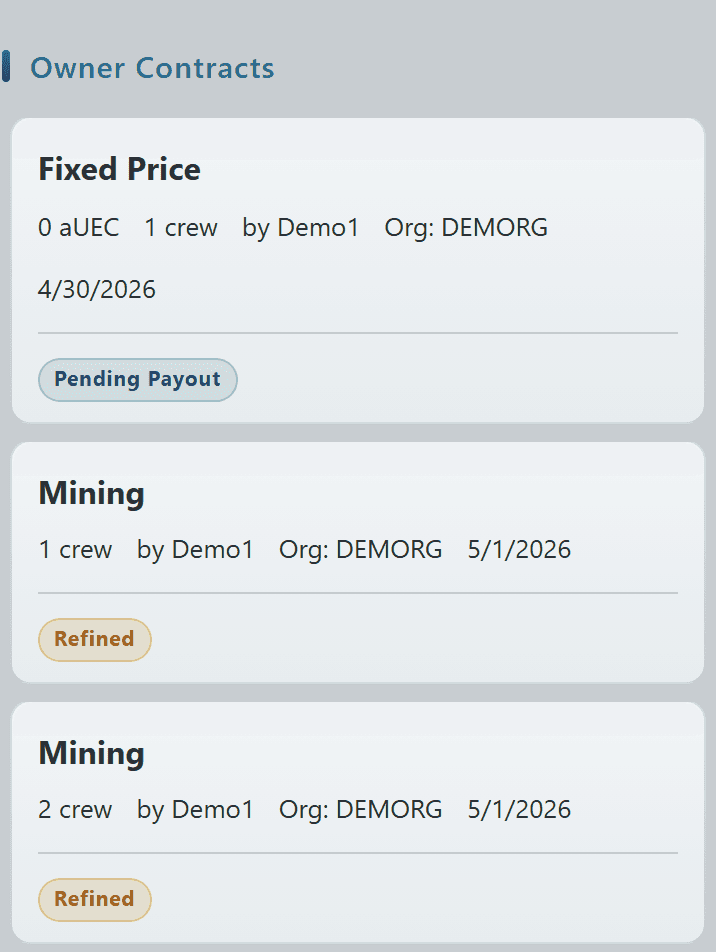
Owner Contracts are the ones you personally created on behalf of the org — Mining, Fixed Price, and Fixed Percent flows all show here as cards with status pills (Pending Payout, Refined, Completed).

A Complete Batch toggle lets owners check off multiple mining contracts that have completed refining at once so completing multiple order payout sweeps are a few clicks instead of a few minutes.


Owner Contracts section with Complete Batch toggle and contract cards showing Pending Payout and Refined statusesOwner Contracts section with Complete Batch toggle and contract cards showing Pending Payout and Refined statusesOwner Contracts section with Complete Batch toggle and contract cards showing Pending Payout and Refined statusesOwner Contracts section with Complete Batch toggle and contract cards showing Pending Payout and Refined statuses
7

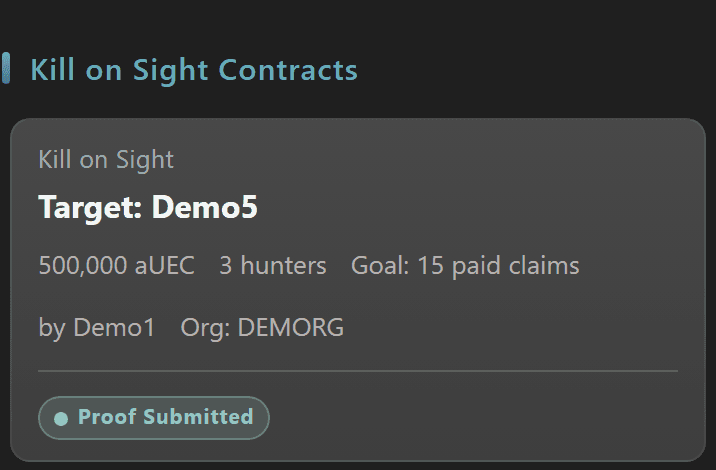
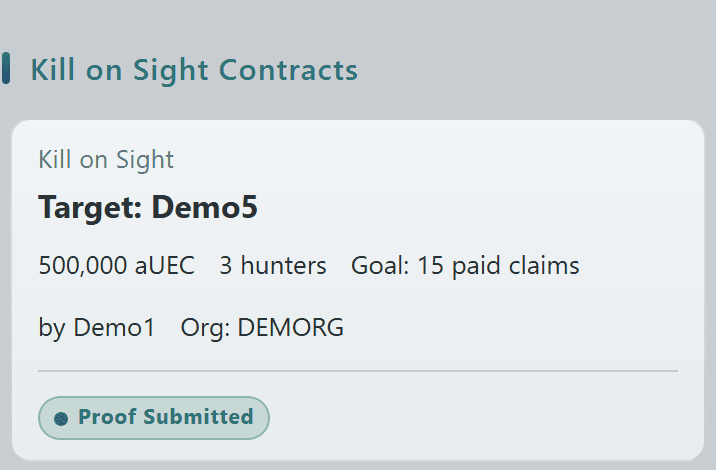
Kill on Sight contracts have their own dedicated section so bounty work is visible alongside the standard payout types — target handle, bounty amount, hunter cap, and current status (Open, Proof Submitted, Paid Claims) all surface on the card.

Click a KOS card to enter the proof-review workflow described on the Kill on Sight feature page.
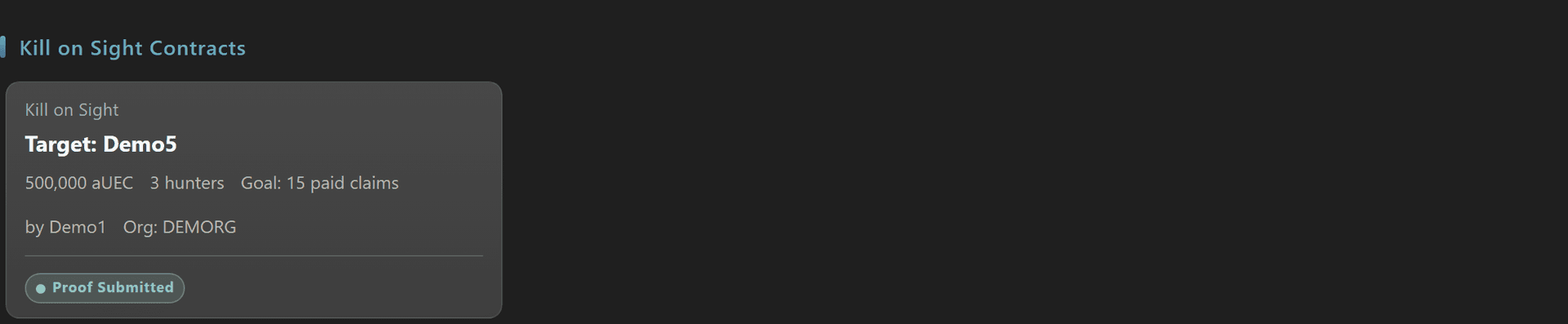
Kill on Sight contracts section with target, bounty amount, hunter count, and proof-submitted statusKill on Sight contracts section with target, bounty amount, hunter count, and proof-submitted statusKill on Sight contracts section with target, bounty amount, hunter count, and proof-submitted statusKill on Sight contracts section with target, bounty amount, hunter count, and proof-submitted status
© 2026 Crusader Cloud
This is an unofficial fansite. Not affiliated with or endorsed by Cloud Imperium Games / Roberts Space Industries