Feature

Organization Members

Step-by-step walkthrough of how this Crusader Cloud feature works.

1

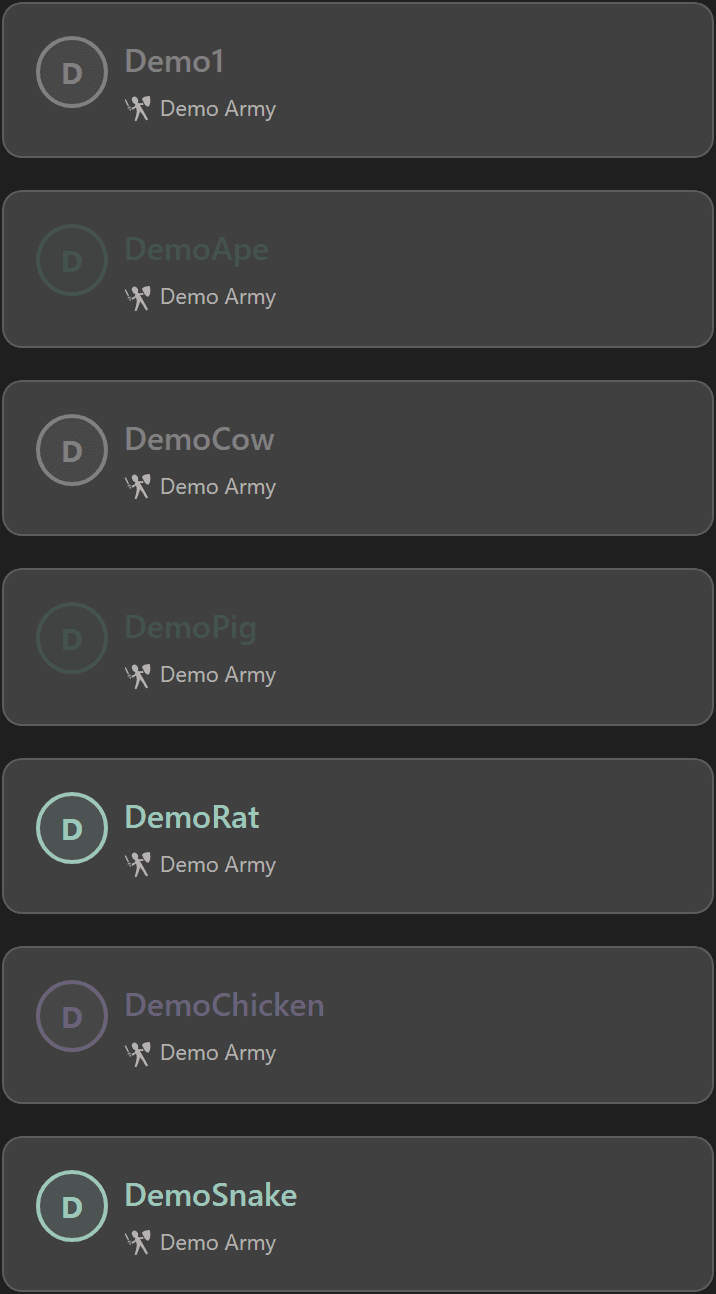
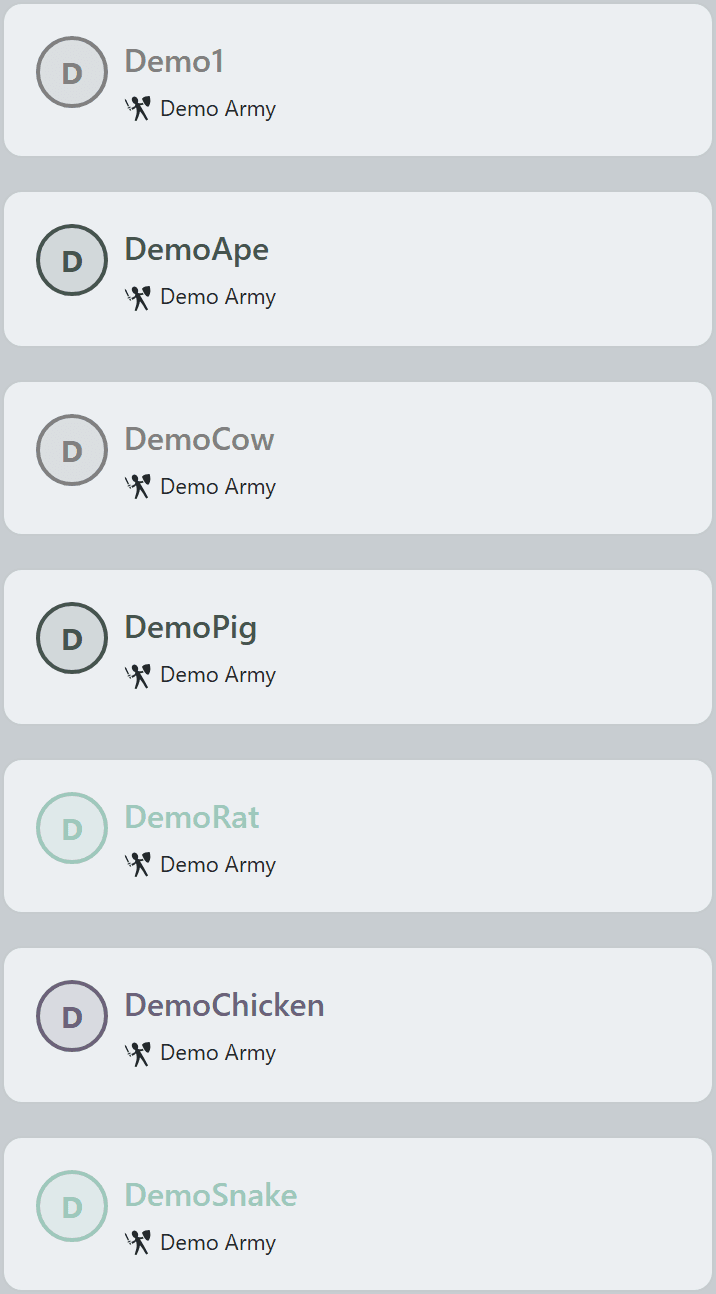
Every org member shows up on the home roster — color-coded by their org-chart role so the chain of command is visible at a glance.

Branch badges hang under each handle so you can see at a glance who belongs to Demo Army, Demo Miners, or any other branch you create.
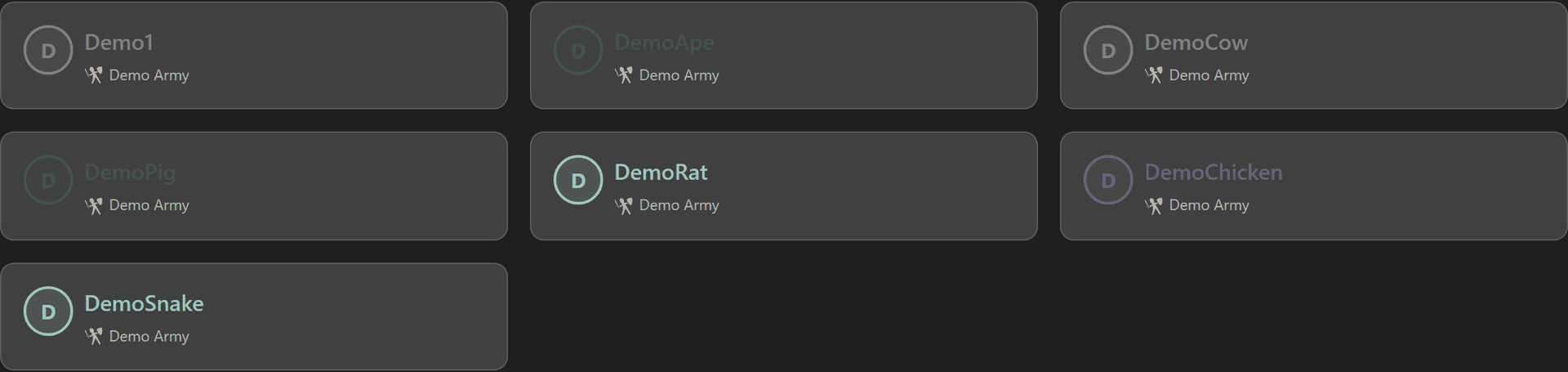
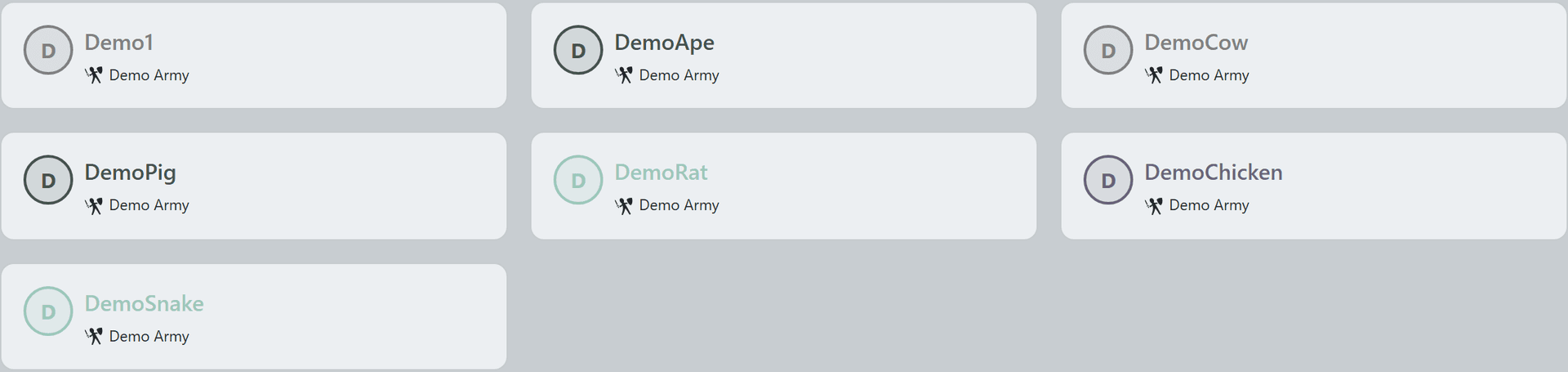
Org member roster grid with role-colored cards and branch badgesOrg member roster grid with role-colored cards and branch badgesOrg member roster grid with role-colored cards and branch badgesOrg member roster grid with role-colored cards and branch badges
3

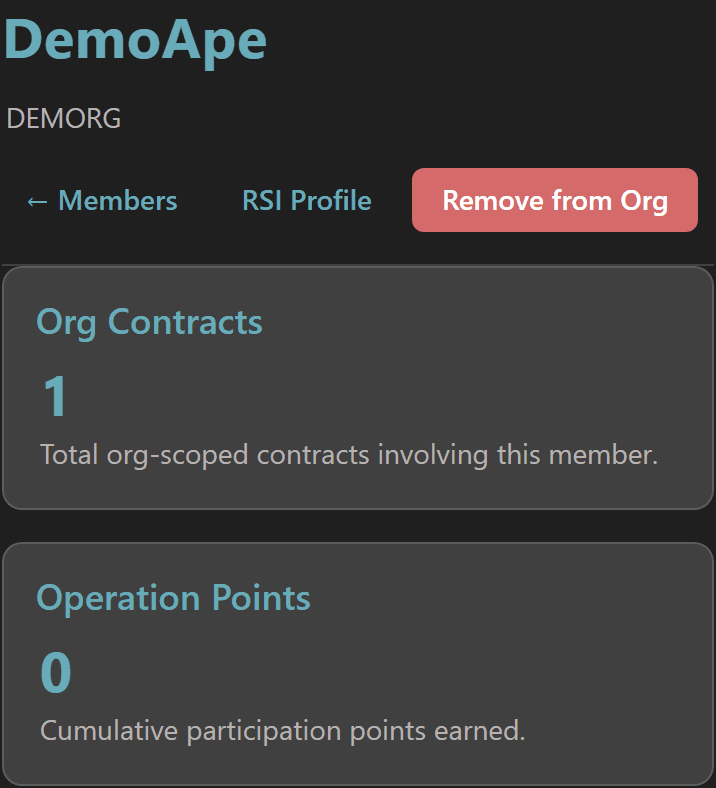
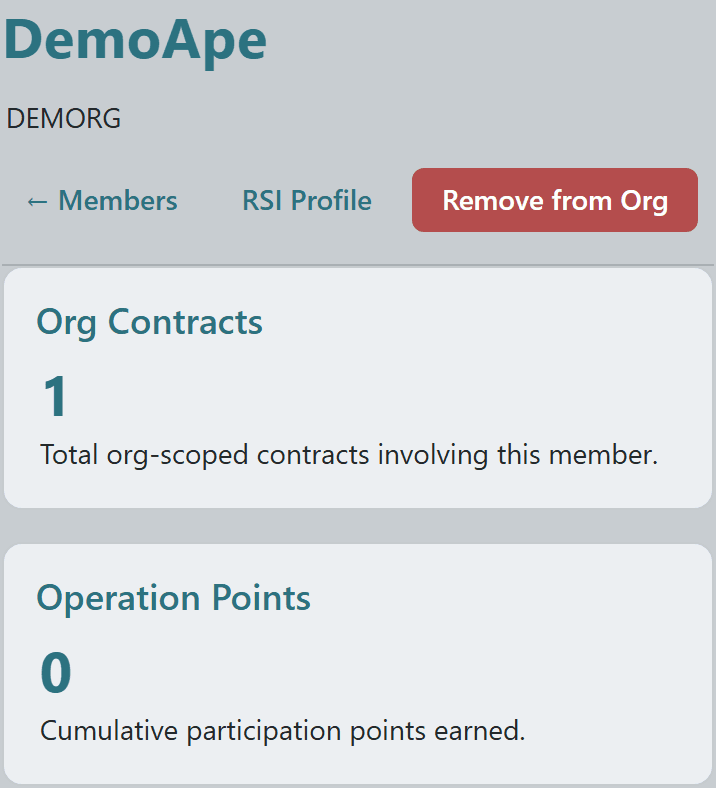
Click any member to open their dedicated page — a personal dossier inside the org context.

Headline stats up top show contracts involved in and operation points earned, with quick links to the member's public RSI Profile or (for admins) a Remove-from-Org control.
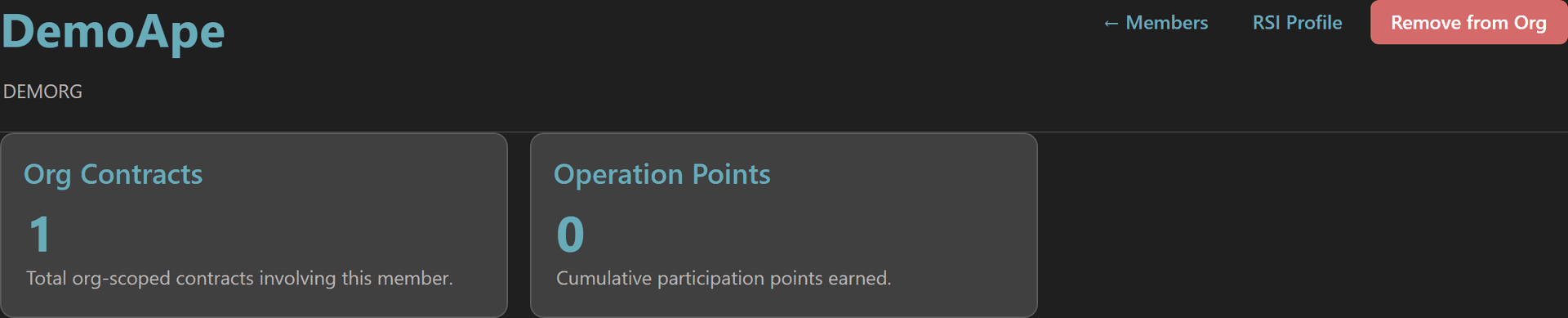
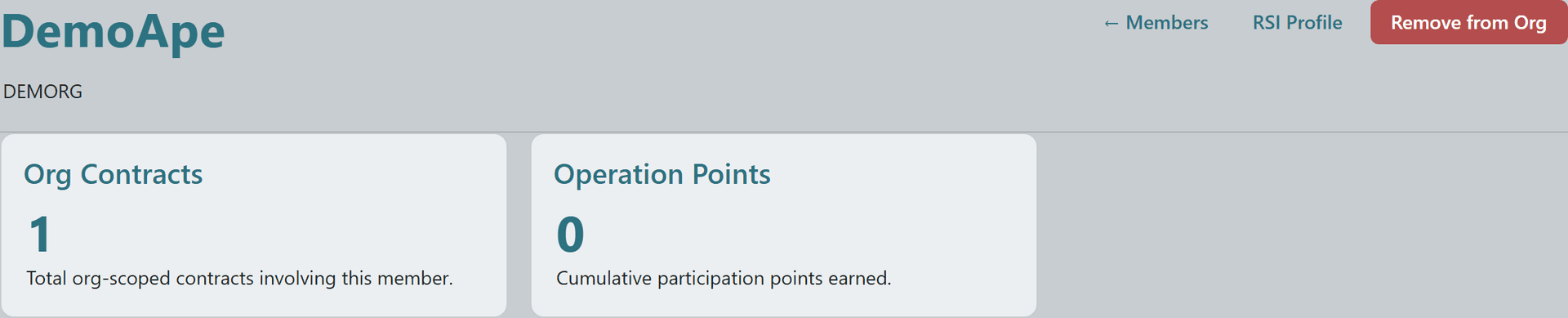
Member detail header with name, org breadcrumb, and stat cards for contracts and operation pointsMember detail header with name, org breadcrumb, and stat cards for contracts and operation pointsMember detail header with name, org breadcrumb, and stat cards for contracts and operation pointsMember detail header with name, org breadcrumb, and stat cards for contracts and operation points
5

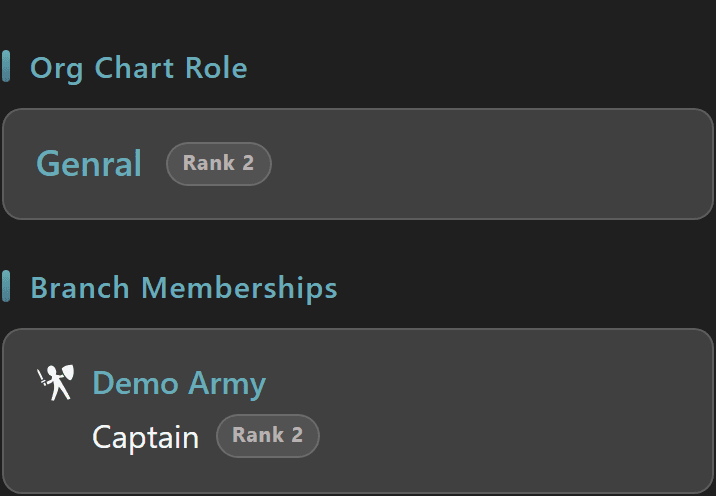
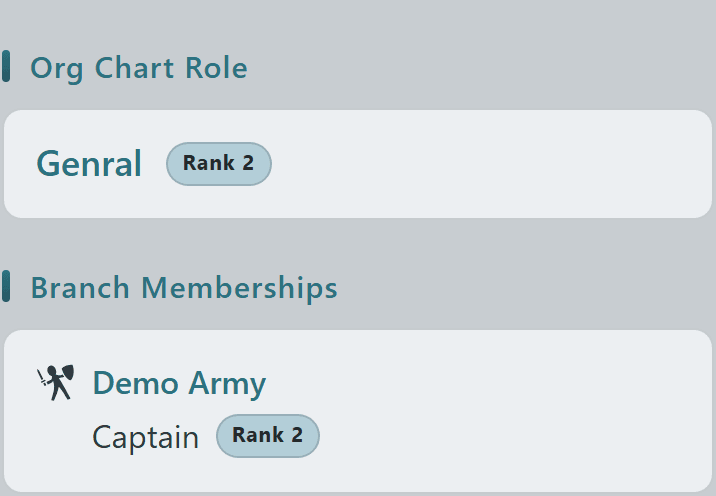
Below the stats, the member's org-chart role and branch memberships are spelled out — both the rank within the org as a whole and any positions held in specific branches.

Branch tiles show role name and rank within that branch, with leader badges where applicable, so you can see at a glance whether someone is a captain in Demo Army or just a registered participant.
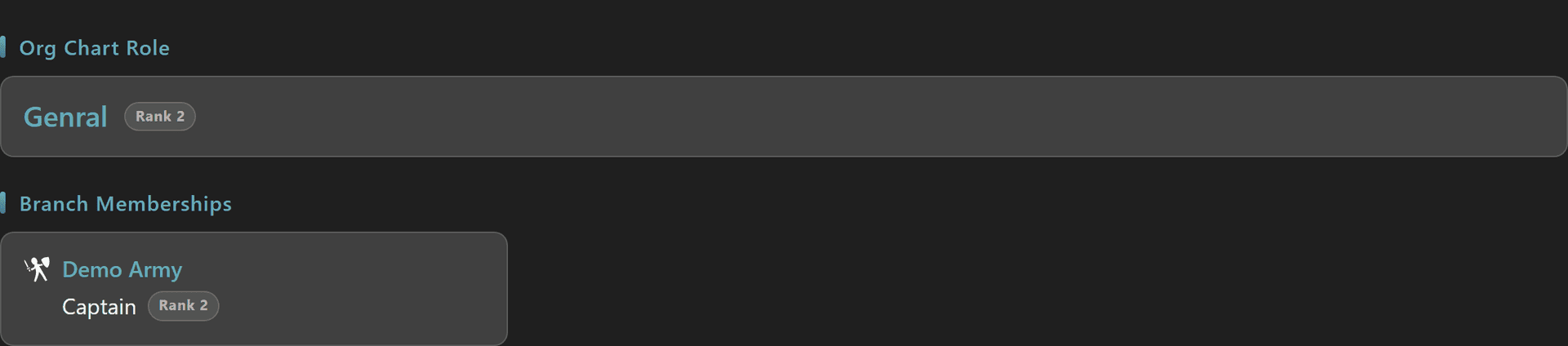
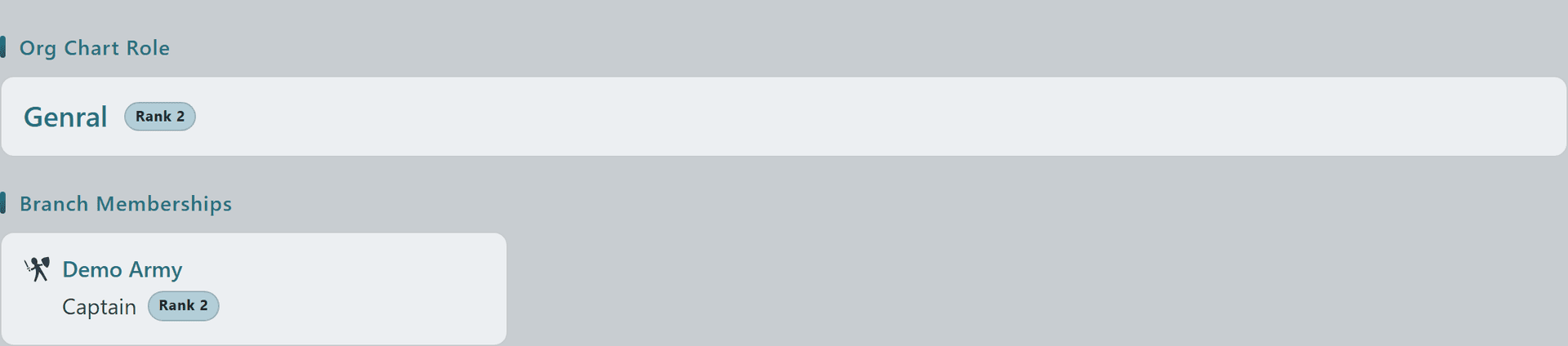
Member role assignments — org chart role plus branch membership tiles with rankMember role assignments — org chart role plus branch membership tiles with rankMember role assignments — org chart role plus branch membership tiles with rankMember role assignments — org chart role plus branch membership tiles with rank
7

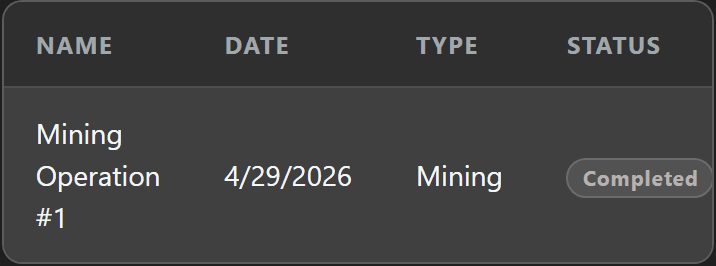
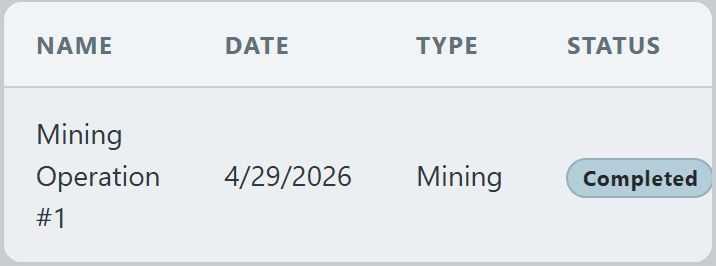
Operations participation is captured in a per-member table so leadership can audit attendance and activity at a glance.

Each row shows the operation name, date, type, status (Active or Completed), and whether this member was Registered, Participating, or merely listed.


Operations participation table per member showing date, type, status, and registrationOperations participation table per member showing date, type, status, and registrationOperations participation table per member showing date, type, status, and registrationOperations participation table per member showing date, type, status, and registration
© 2026 Crusader Cloud
This is an unofficial fansite. Not affiliated with or endorsed by Cloud Imperium Games / Roberts Space Industries