Feature

Org Operations — Plan, Assign, and Execute as a Team

Step-by-step walkthrough of how this Crusader Cloud feature works.

1

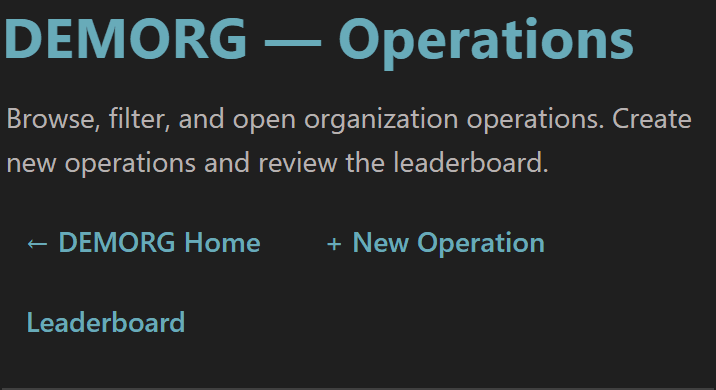
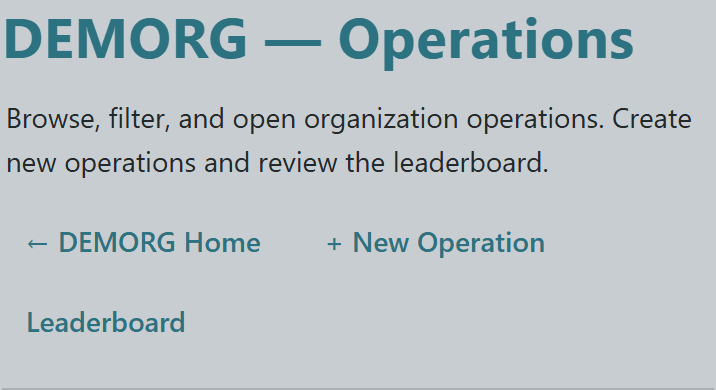
The Operations page is the planning hub for every mission your org runs — header buttons jump you straight to creating a new operation or pulling up the participation leaderboard so contribution shows up on members' records.

Each operation is its own structured record with name, type, schedule, optional branch assignment, and an optional per-op tax override — far cleaner than coordinating in chat or spreadsheets.


Org Operations page header with + New Operation and Leaderboard action buttonsOrg Operations page header with + New Operation and Leaderboard action buttonsOrg Operations page header with + New Operation and Leaderboard action buttonsOrg Operations page header with + New Operation and Leaderboard action buttons
3

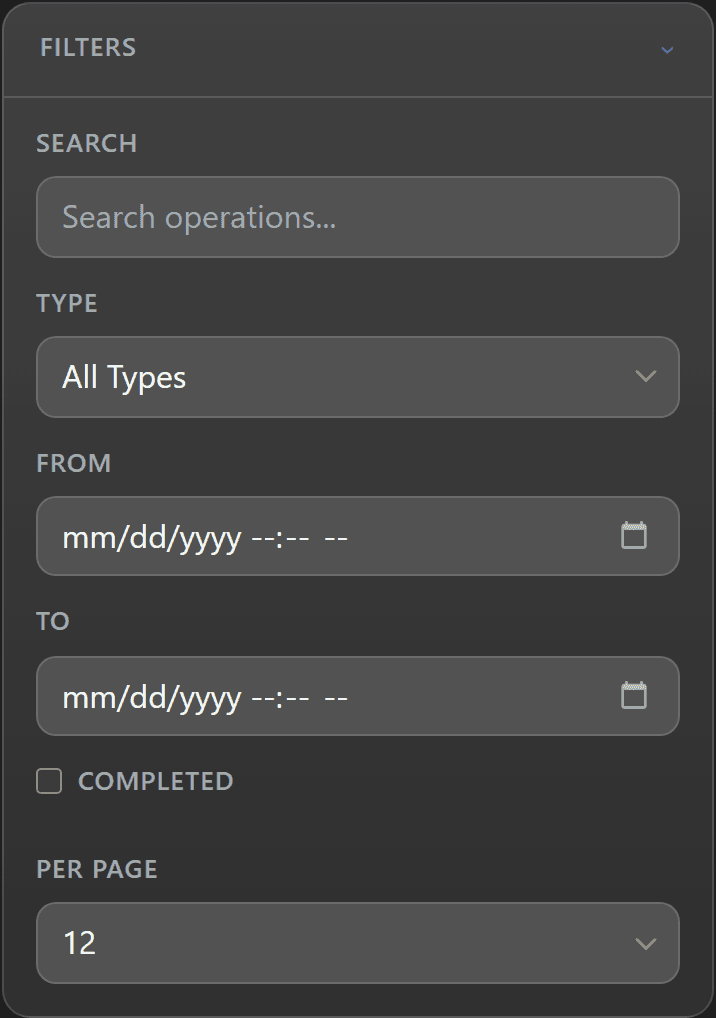
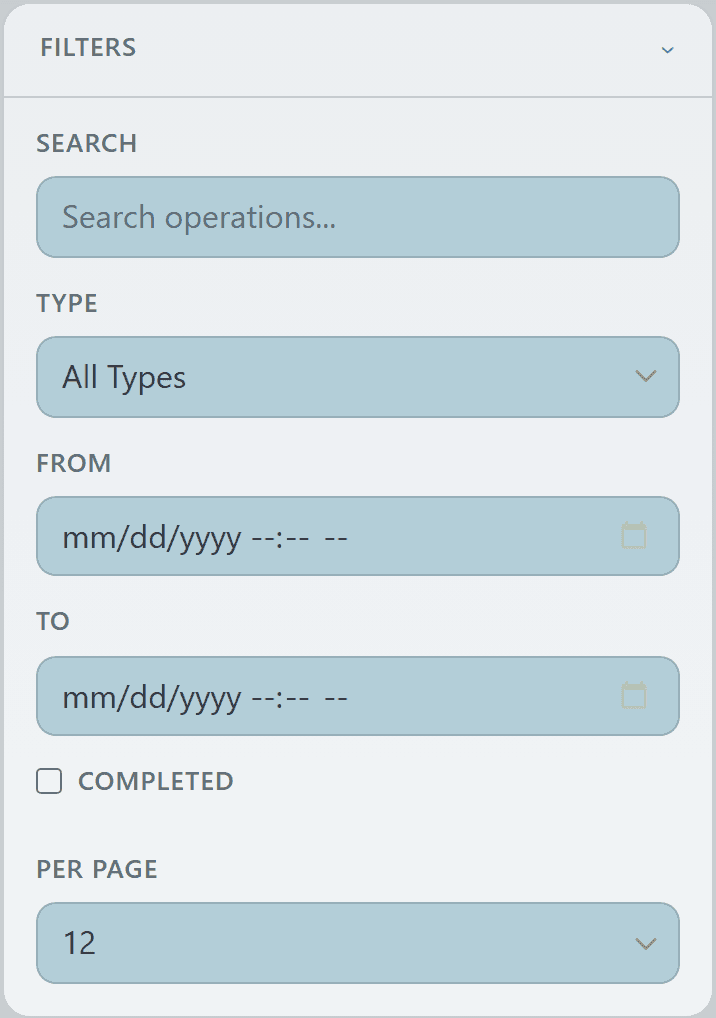
Filters narrow the list to what matters right now — search by name, scope by operation type, slice by date range, or flip on "Show Completed" to pull historical ops back into view.

Per-page controls let you load 12 / 24 / 48 cards at a time, and pagination kicks in automatically once the result set crosses the page size.


Org Operations filter panel expanded with search, type, date range, completion, and per-page controlsOrg Operations filter panel expanded with search, type, date range, completion, and per-page controlsOrg Operations filter panel expanded with search, type, date range, completion, and per-page controlsOrg Operations filter panel expanded with search, type, date range, completion, and per-page controls
5

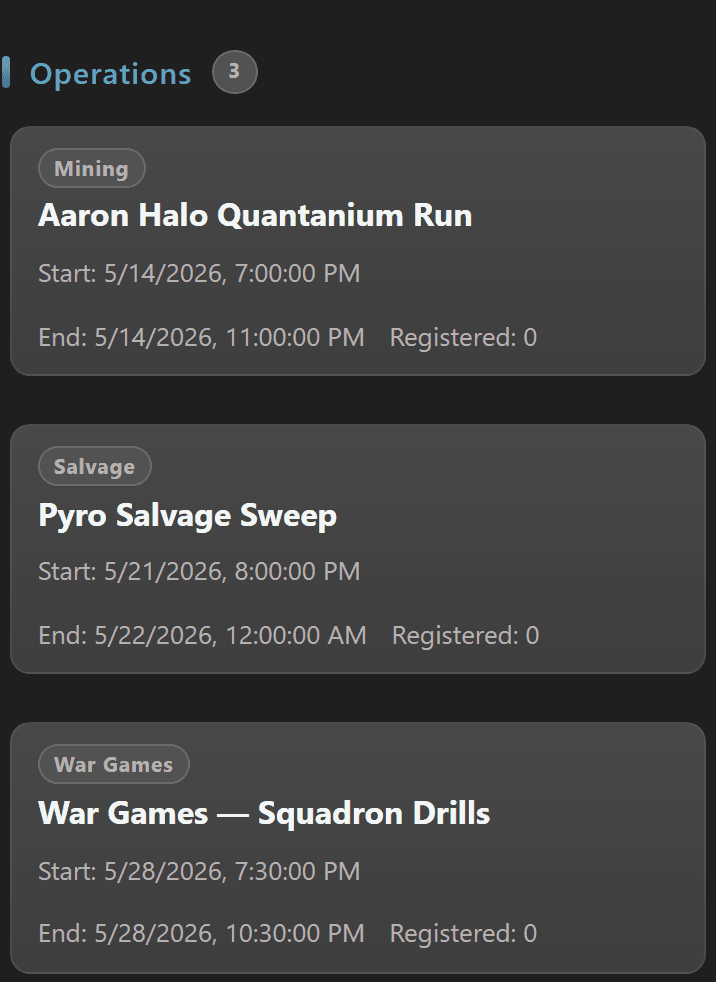
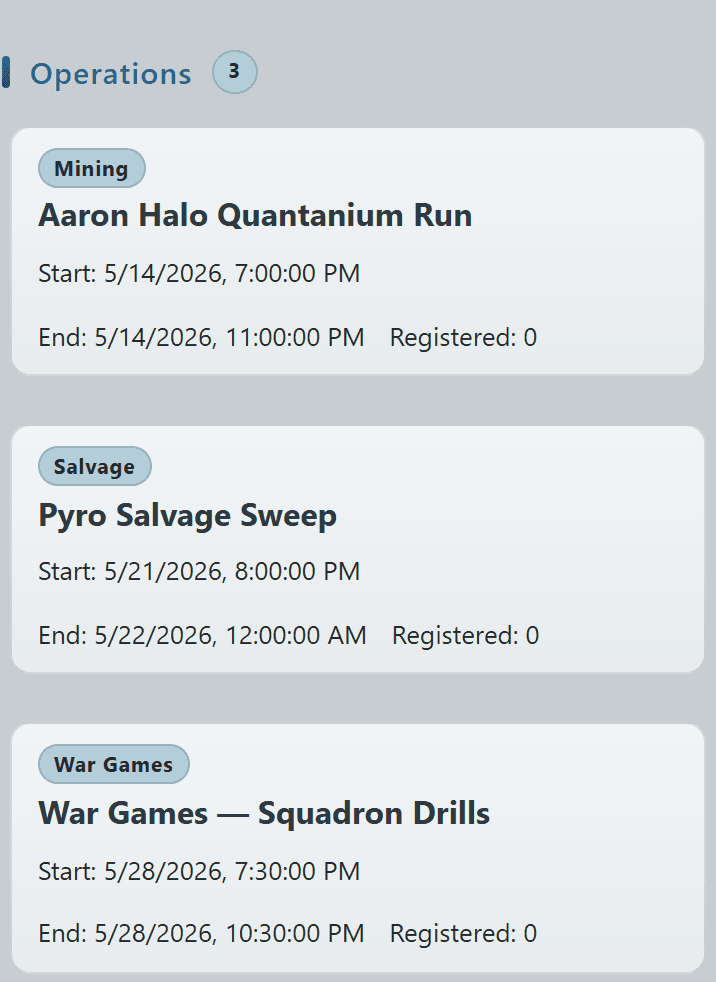
Each operation gets its own card with a type badge, the mission name, and quick context (date, branch, lead) so leadership and members can find what they need at a glance.

Click any card to open the operation detail page where you can attach contracts, register attendees, award participation points, and (if granted) edit or complete the op.


Operations card grid showing scheduled ops by type with date and branch contextOperations card grid showing scheduled ops by type with date and branch contextOperations card grid showing scheduled ops by type with date and branch contextOperations card grid showing scheduled ops by type with date and branch context
7

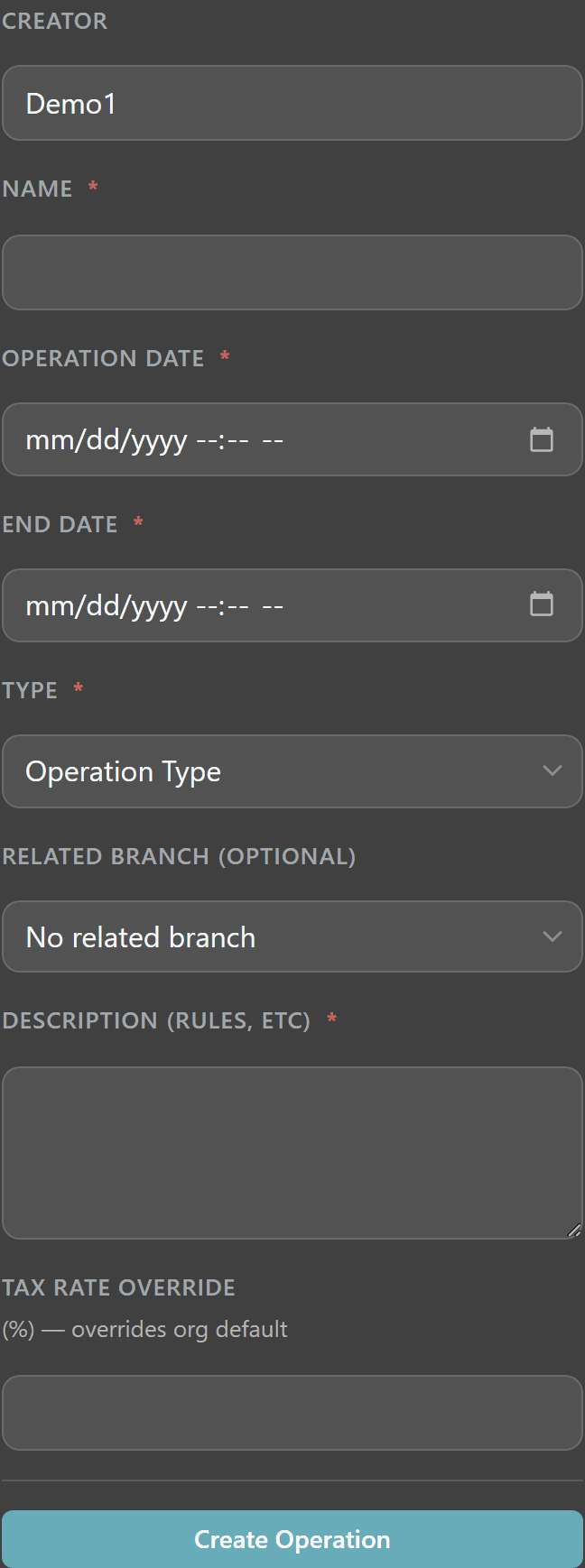
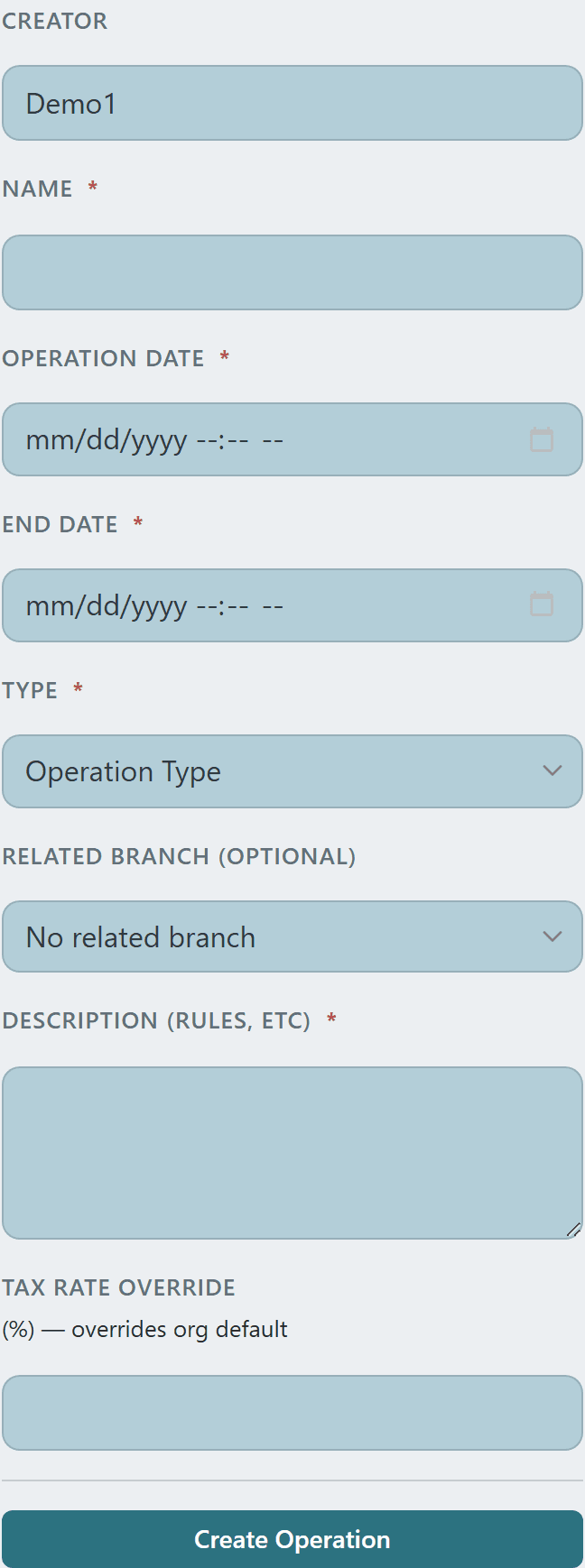
Spinning up a new op is a single form — name, description, mission type, start/end dates, and optional fields for branch alignment and a per-operation tax rate override that supersedes the org default.

Once saved the operation lands on its own detail page where you wire in contracts, points, and registrations as the mission rolls out.
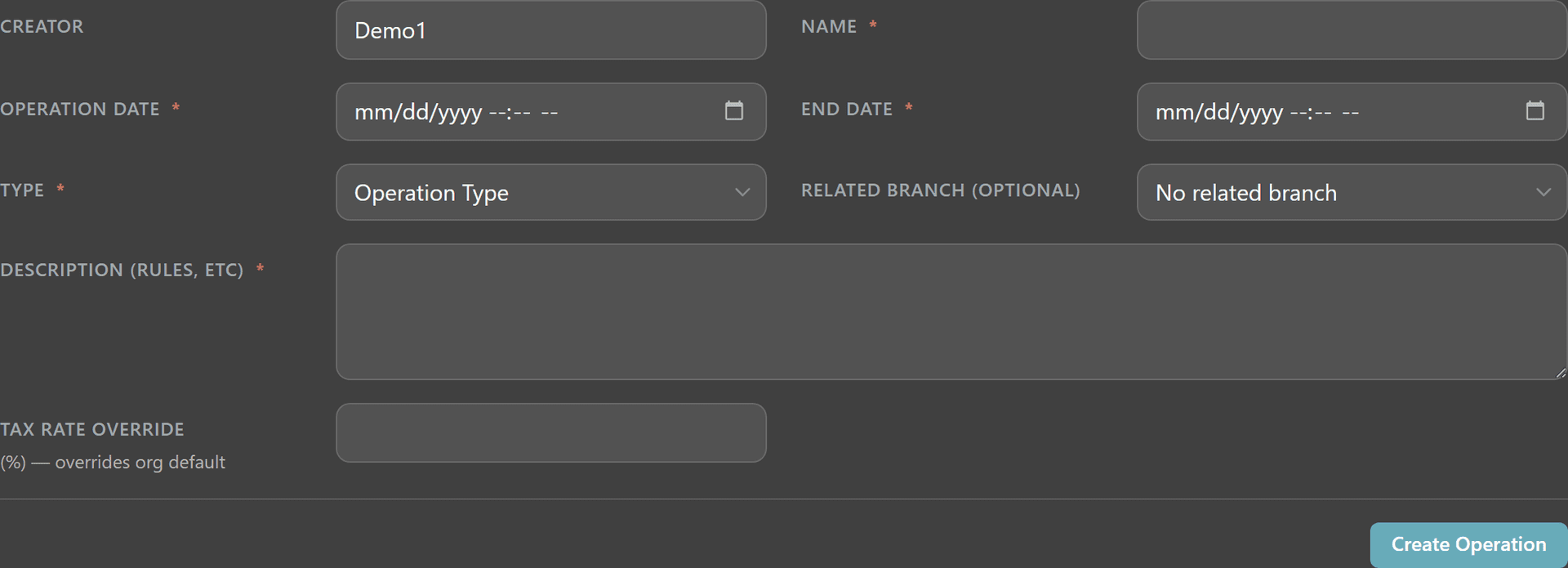
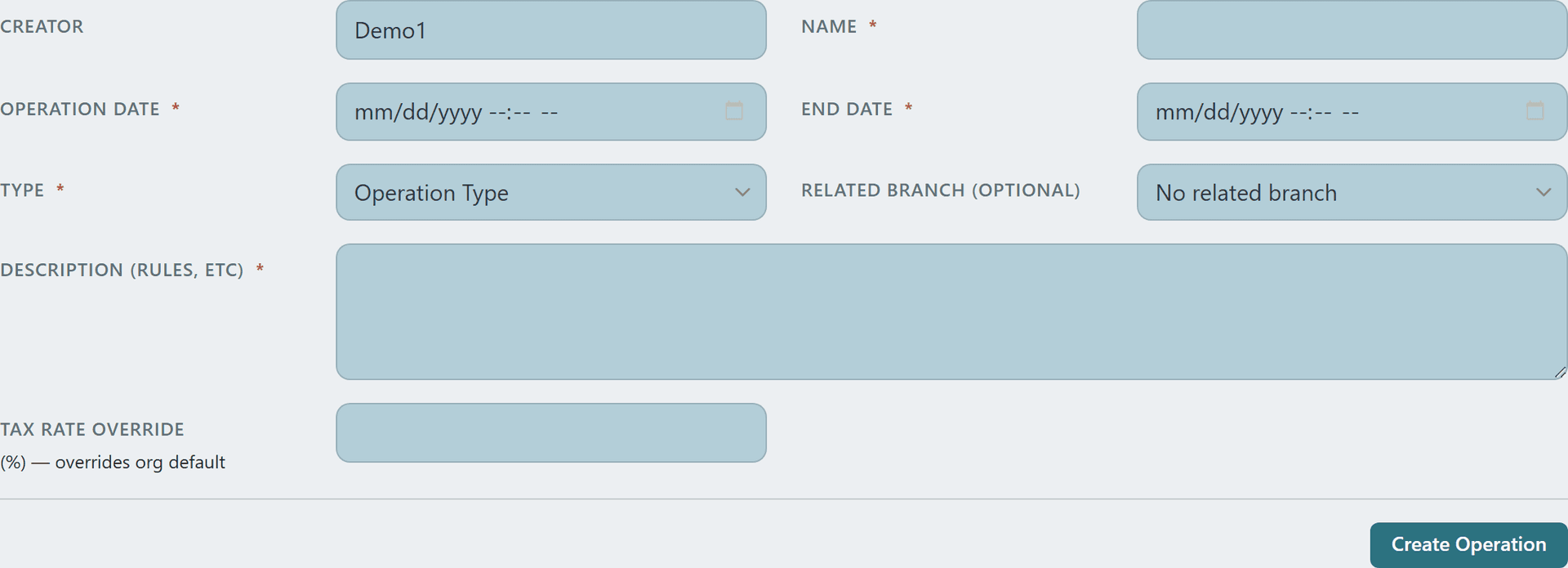
New Operation form with creator, name, dates, type, branch, and tax-rate-override fieldsNew Operation form with creator, name, dates, type, branch, and tax-rate-override fieldsNew Operation form with creator, name, dates, type, branch, and tax-rate-override fieldsNew Operation form with creator, name, dates, type, branch, and tax-rate-override fields
© 2026 Crusader Cloud
This is an unofficial fansite. Not affiliated with or endorsed by Cloud Imperium Games / Roberts Space Industries