Feature

Standard Operating Procedures for Org Branches

Step-by-step walkthrough of how this Crusader Cloud feature works.

1

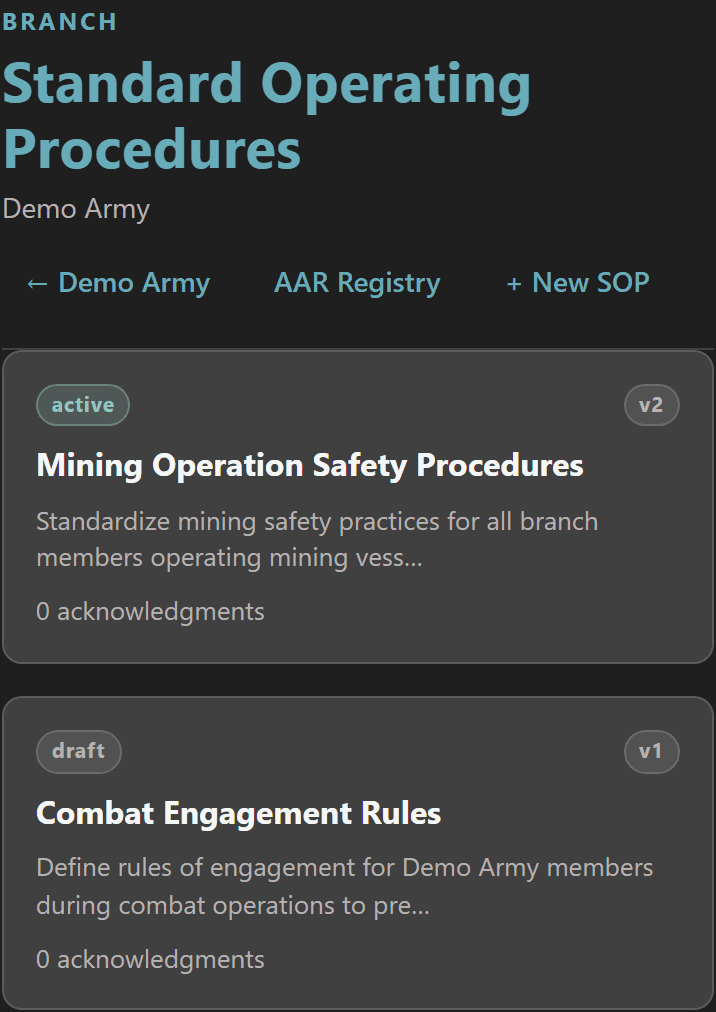
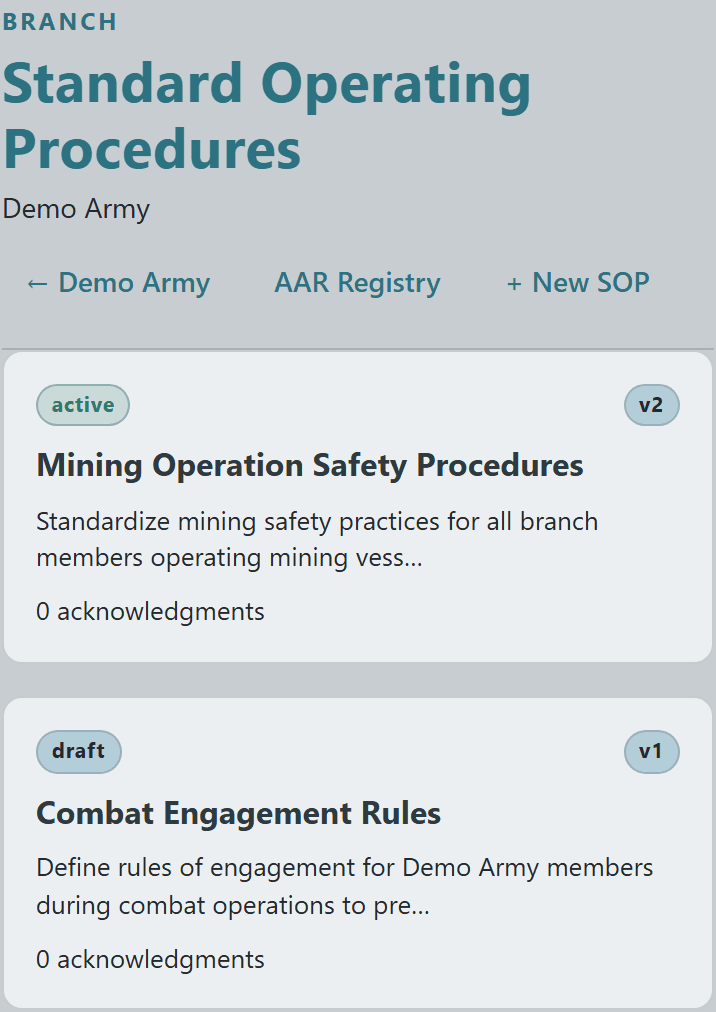
Each branch gets its own SOP registry — a single canonical list of every procedure that governs how that branch operates, color-coded by status (active vs draft vs archived) with a version stamp and a live acknowledgment count per card.

The list also doubles as the navigation hub: jump straight to the AAR Registry from here to see which past operations triggered SOP revisions, or kick off a new procedure with the action button on the right.
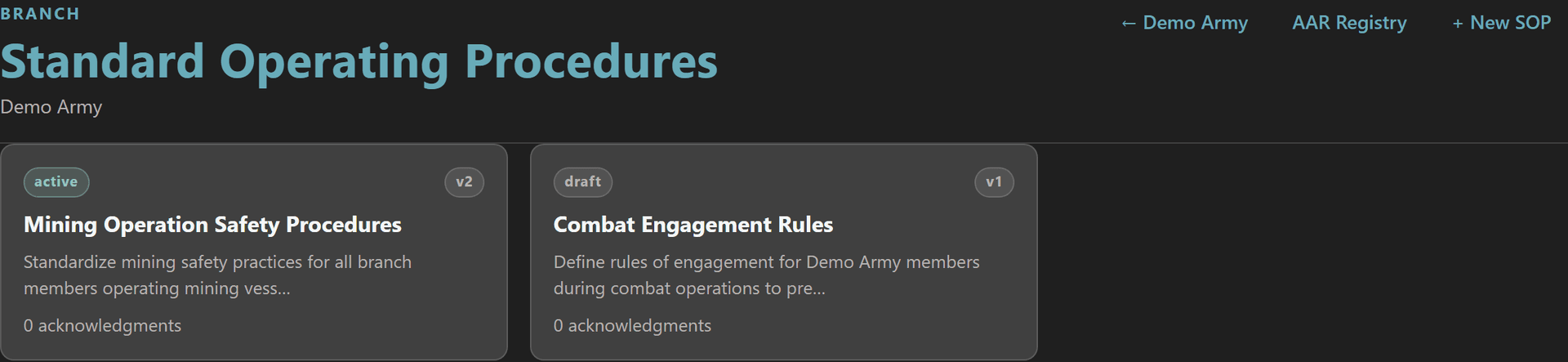
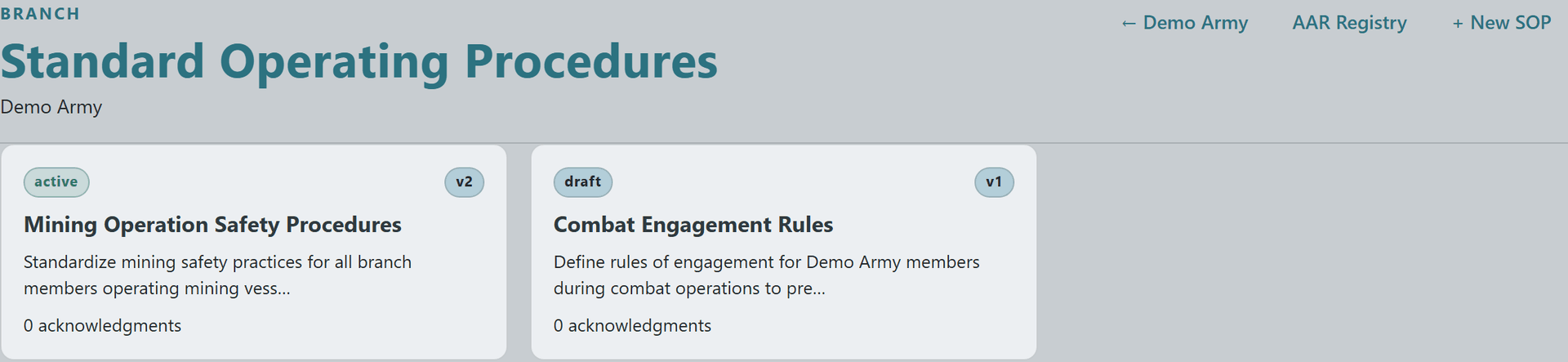
Branch SOP list showing Mining Operation Safety Procedures (active v2) and Combat Engagement Rules (draft v1) cardsBranch SOP list showing Mining Operation Safety Procedures (active v2) and Combat Engagement Rules (draft v1) cardsBranch SOP list showing Mining Operation Safety Procedures (active v2) and Combat Engagement Rules (draft v1) cardsBranch SOP list showing Mining Operation Safety Procedures (active v2) and Combat Engagement Rules (draft v1) cards
3

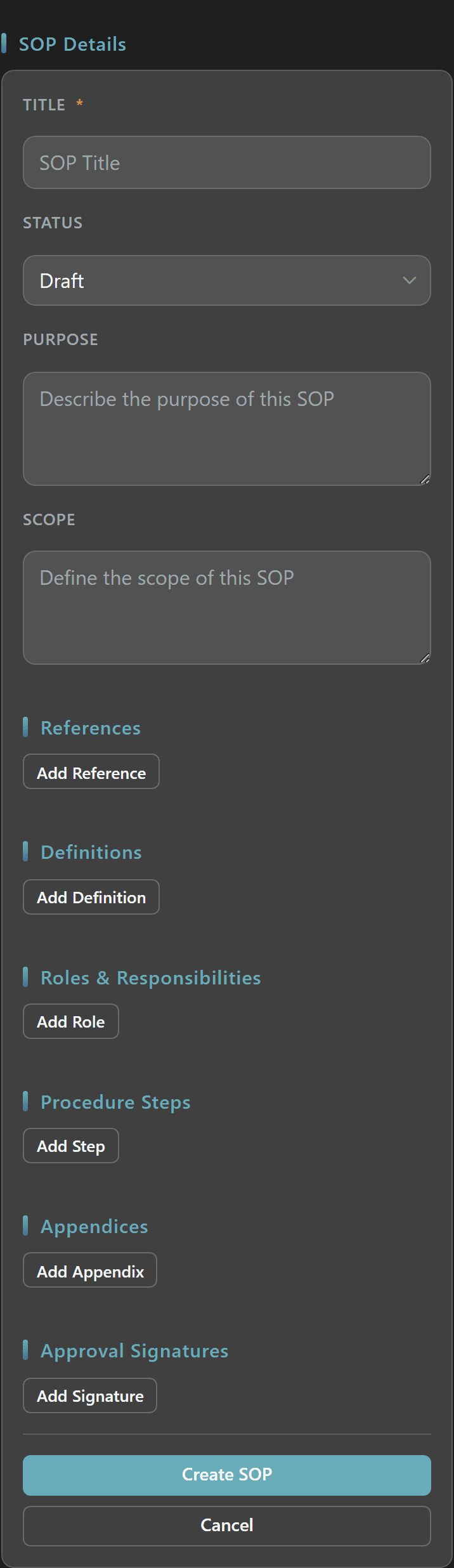
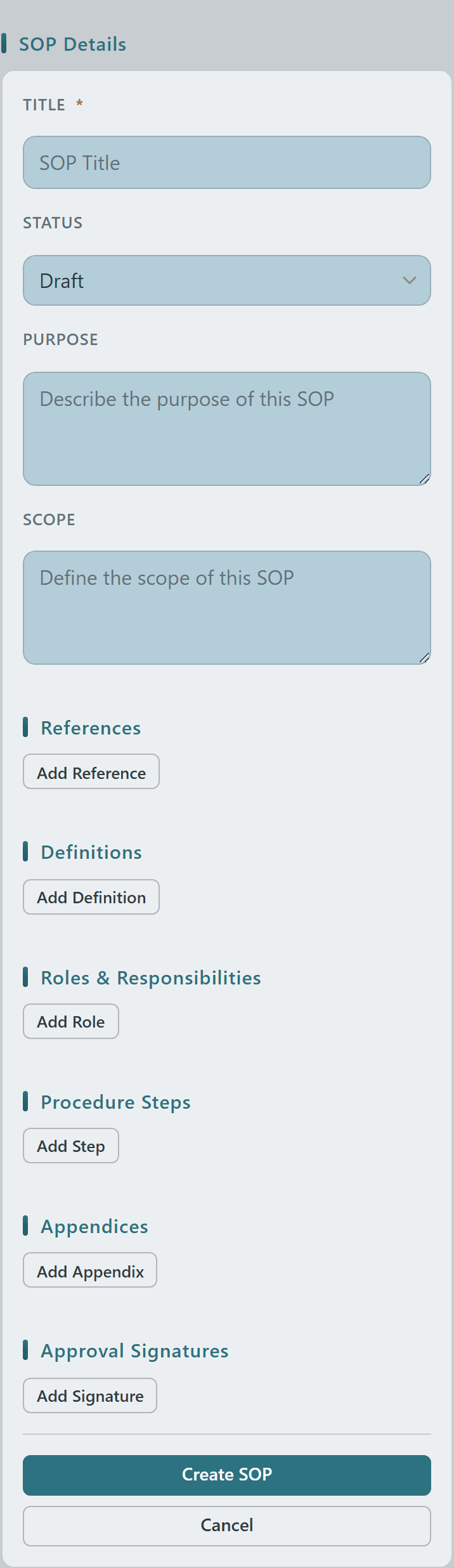
The new-SOP form is structured by design — separate inputs for Title, Status, Purpose, Scope, plus repeatable sections for References, Definitions, Roles & Responsibilities, numbered Procedure Steps, Appendices, and Approval Signatures.

You write the policy once in this shape and every reader sees it the same way, with the same headings, in the same order — no more "which doc in our Discord pin had the escort rotation rules?".
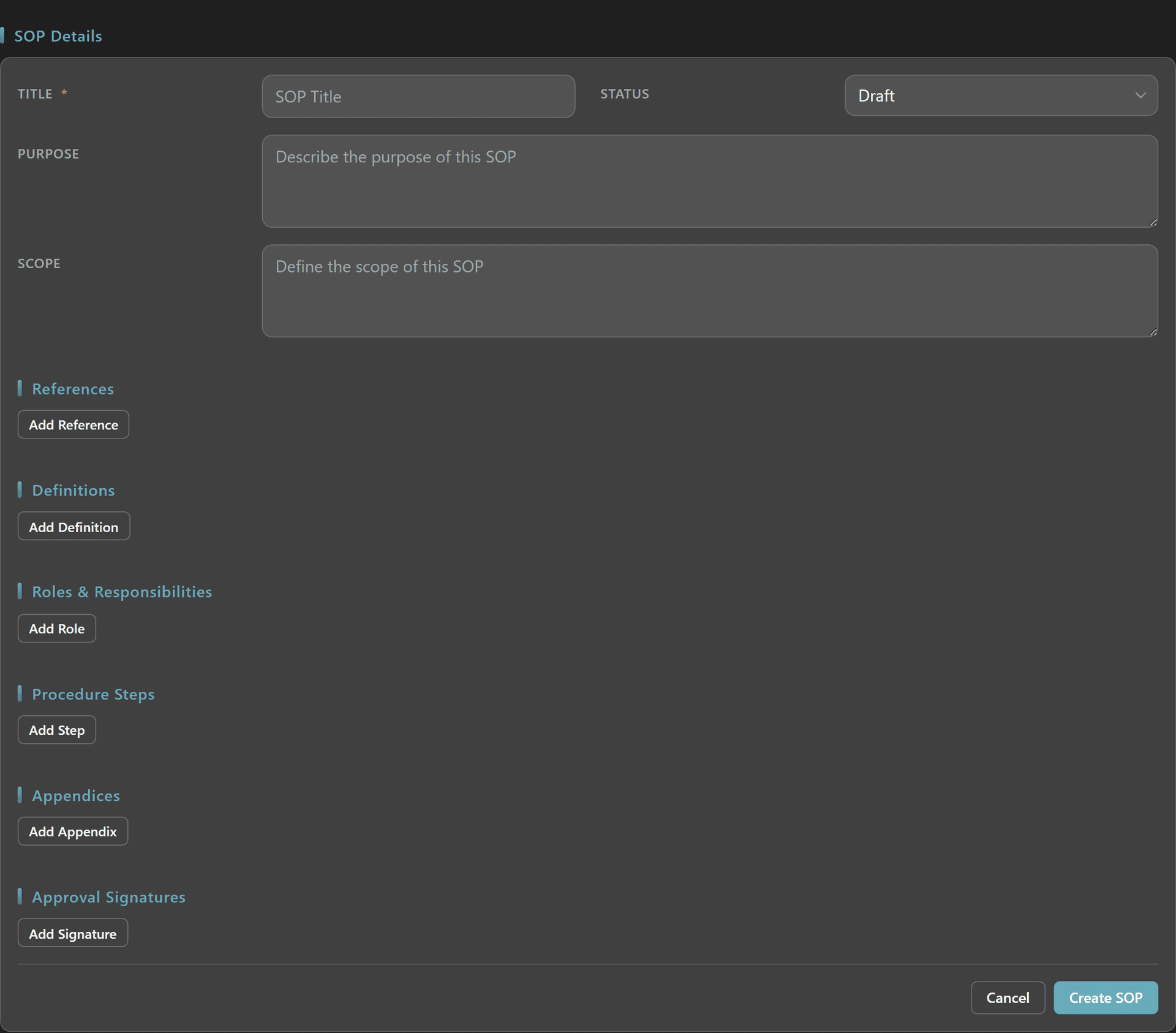
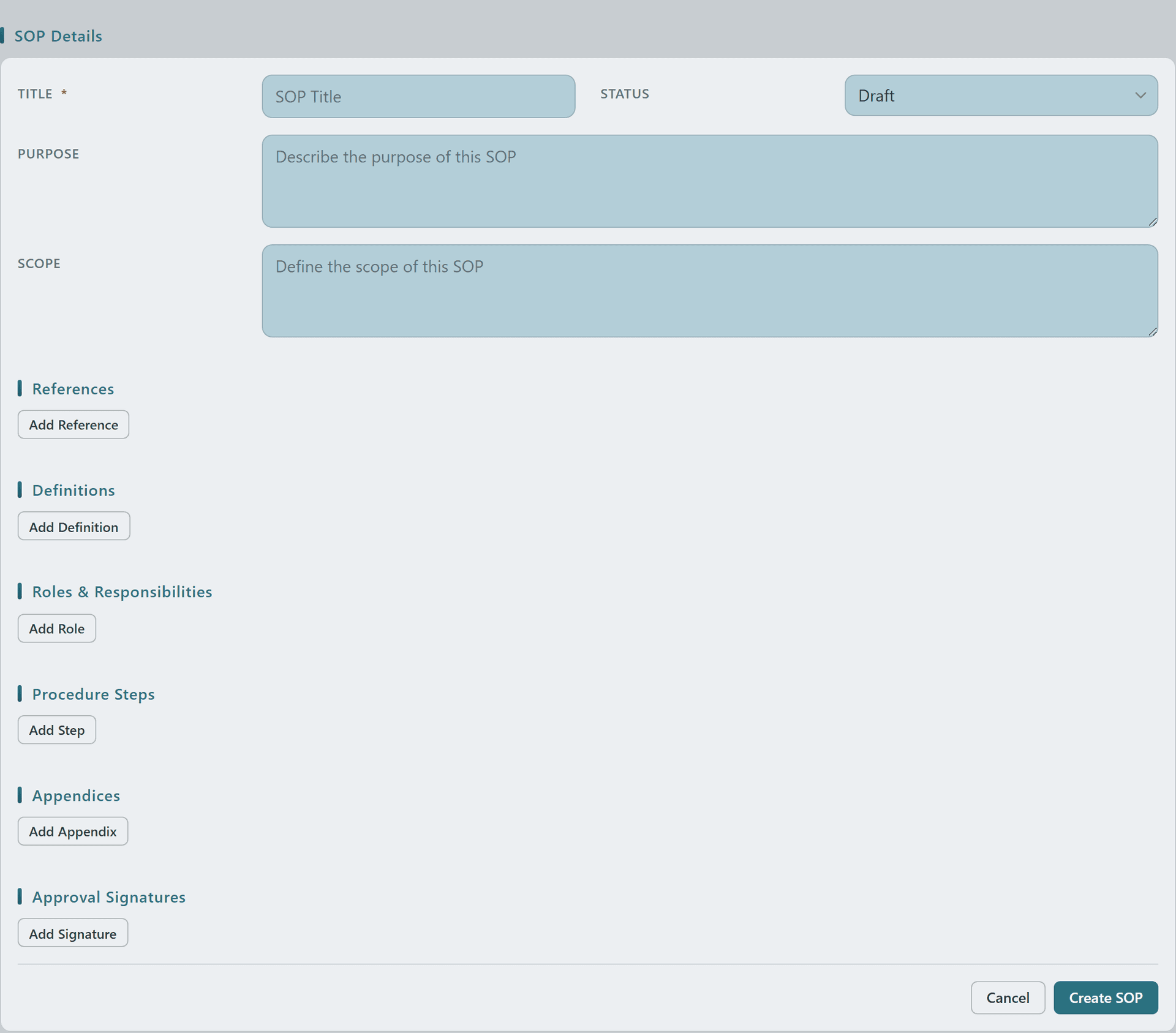
New SOP form with Title, Status, Purpose, Scope, References, Definitions, Roles, Procedure Steps, Appendices, and Approval Signatures sectionsNew SOP form with Title, Status, Purpose, Scope, References, Definitions, Roles, Procedure Steps, Appendices, and Approval Signatures sectionsNew SOP form with Title, Status, Purpose, Scope, References, Definitions, Roles, Procedure Steps, Appendices, and Approval Signatures sectionsNew SOP form with Title, Status, Purpose, Scope, References, Definitions, Roles, Procedure Steps, Appendices, and Approval Signatures sections
5

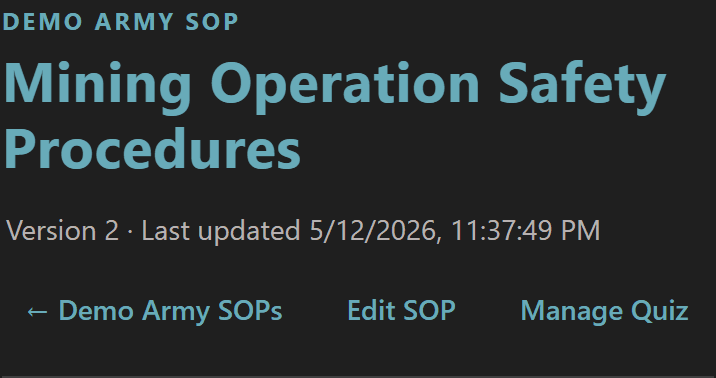
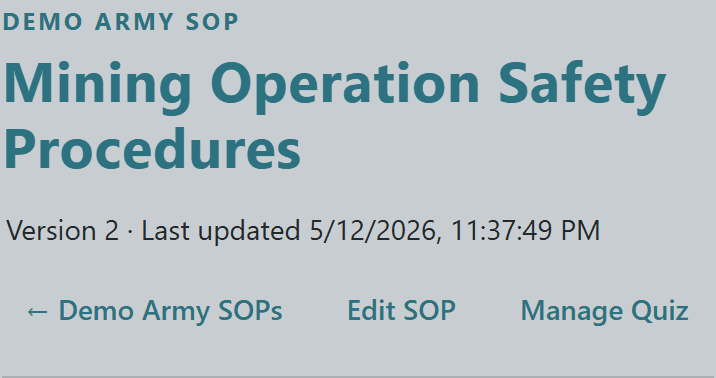
The SOP detail page leads with the procedure name, current version, and last-updated stamp so members always know they're reading the current policy — not a stale Discord screenshot from two patches ago.

Branch managers get inline Edit SOP + Manage Quiz controls on this header; members see an Acknowledge SOP button (and a Take Quiz link if a comprehension quiz is attached) on the same row.


SOP detail page header showing Mining Operation Safety Procedures title, Version 2, last-updated stamp, and manager action buttonsSOP detail page header showing Mining Operation Safety Procedures title, Version 2, last-updated stamp, and manager action buttonsSOP detail page header showing Mining Operation Safety Procedures title, Version 2, last-updated stamp, and manager action buttonsSOP detail page header showing Mining Operation Safety Procedures title, Version 2, last-updated stamp, and manager action buttons
7

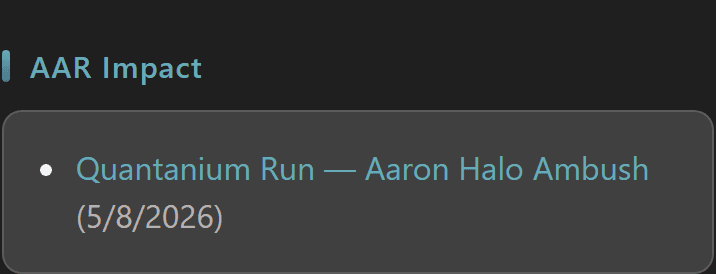
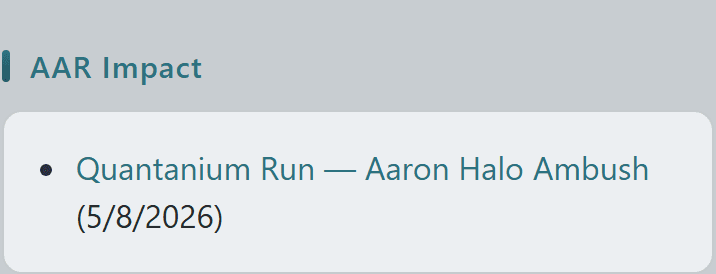
AARs feed back into SOPs in real time — the SOP detail page surfaces an AAR Impact section listing every After Action Report that referenced this procedure, with click-through to the full report.

This is the loop that makes branch SOPs more than a static document: every incident becomes a tagged AAR; every AAR shows up here next to the policy it touched; every policy revision is traceable back to the operation that motivated it.


SOP detail AAR Impact section listing the Quantanium Run — Aaron Halo Ambush AAR linked back to the procedureSOP detail AAR Impact section listing the Quantanium Run — Aaron Halo Ambush AAR linked back to the procedureSOP detail AAR Impact section listing the Quantanium Run — Aaron Halo Ambush AAR linked back to the procedureSOP detail AAR Impact section listing the Quantanium Run — Aaron Halo Ambush AAR linked back to the procedure
© 2026 Crusader Cloud
This is an unofficial fansite. Not affiliated with or endorsed by Cloud Imperium Games / Roberts Space Industries