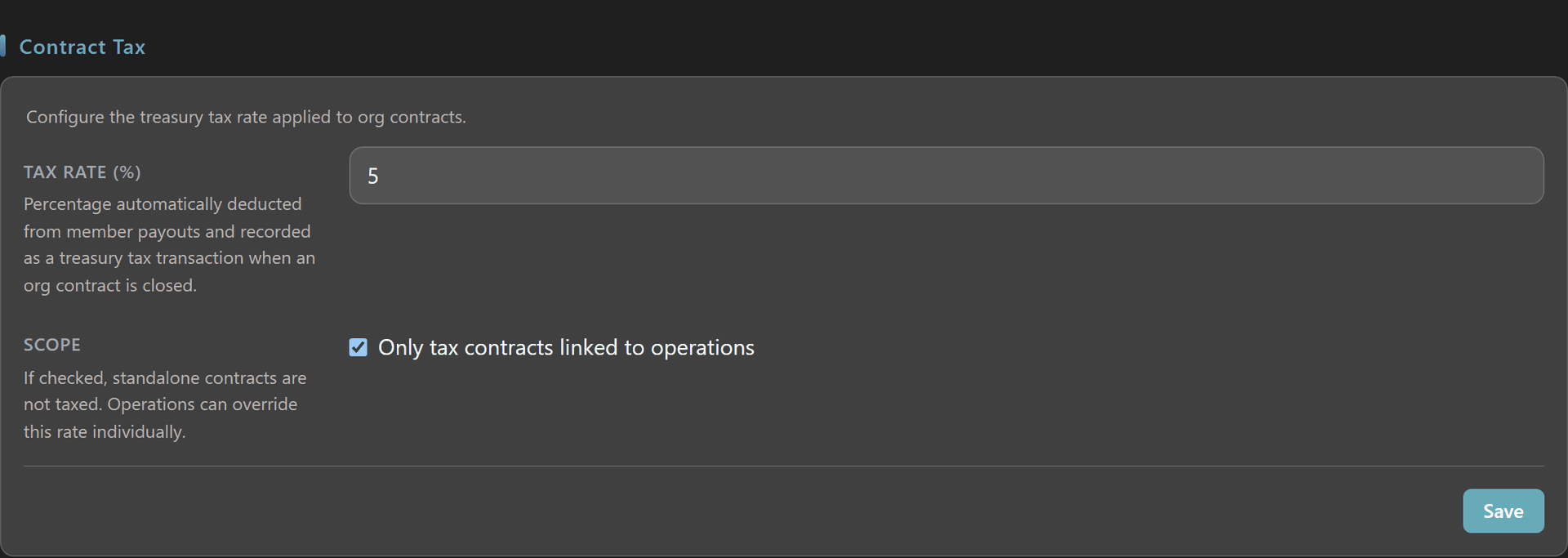
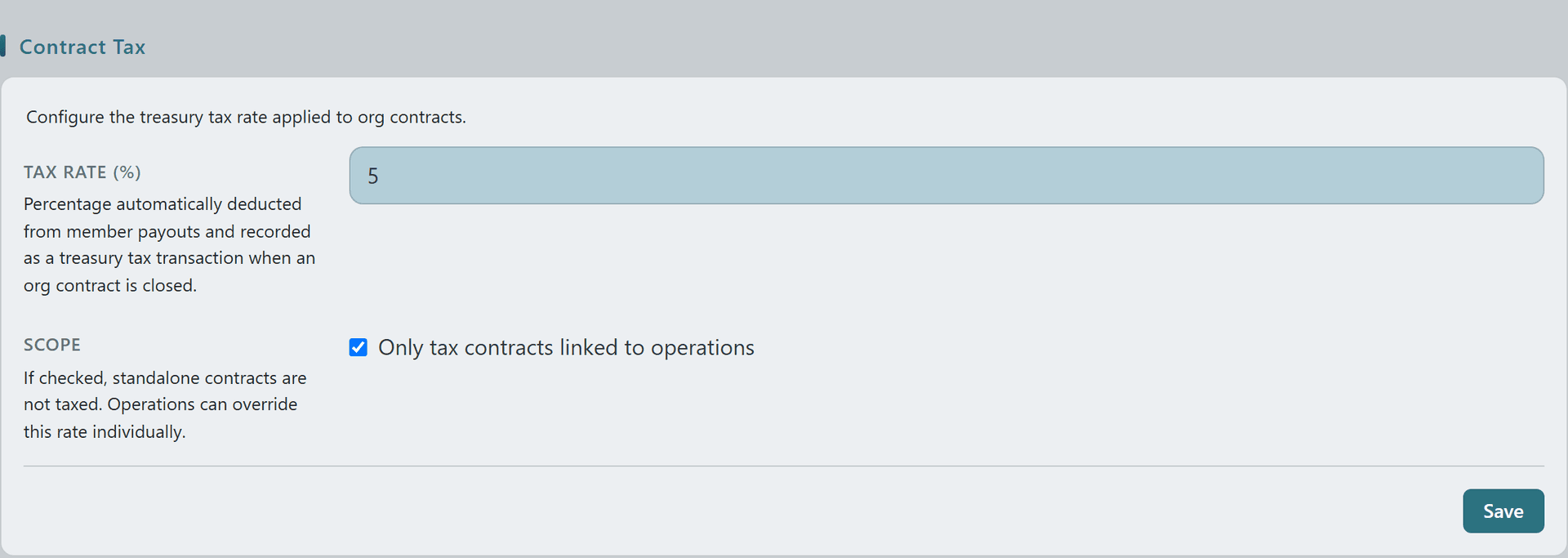
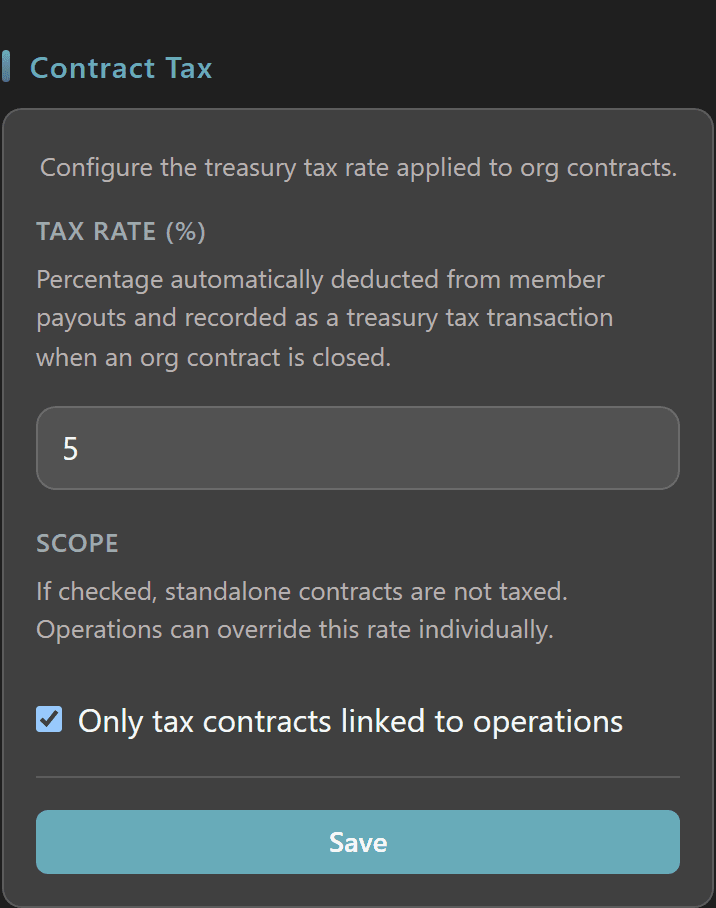
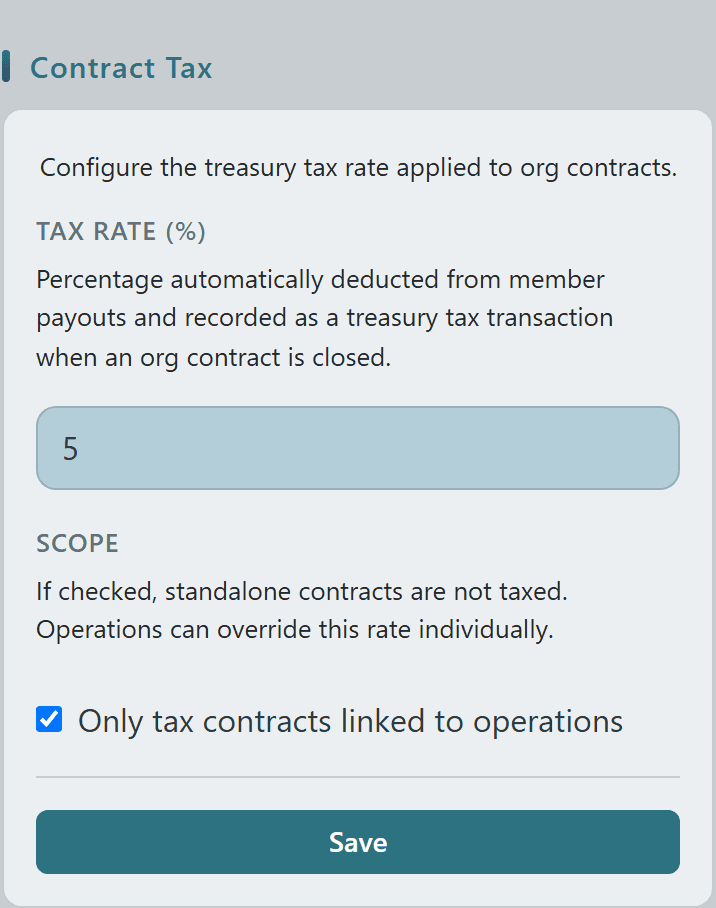
Org admins set a single treasury tax rate on `/org/[orgSid]/admin` that is automatically applied whenever an org contract is paid out — no manual deductions, no copy-paste from a spreadsheet.
Flip on the "Only tax contracts linked to operations" scope to keep standalone contracts tax-free and reserve the cut for mission-tagged payouts; operations can still override the org default on a case-by-case basis.
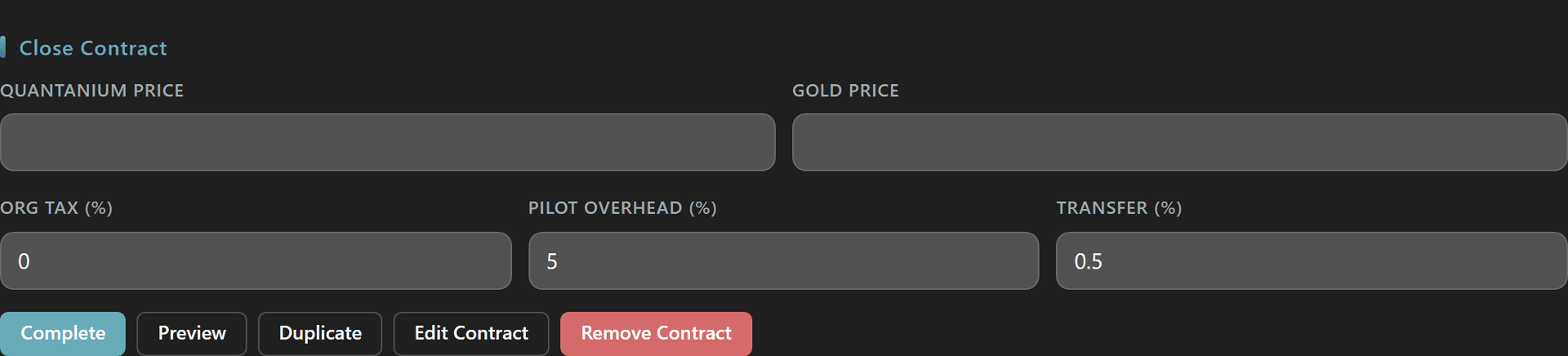
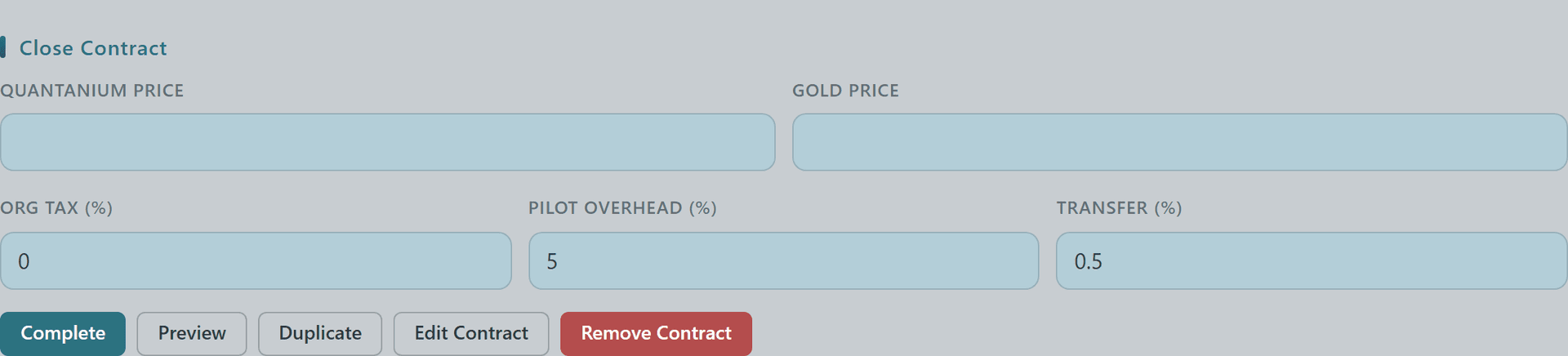
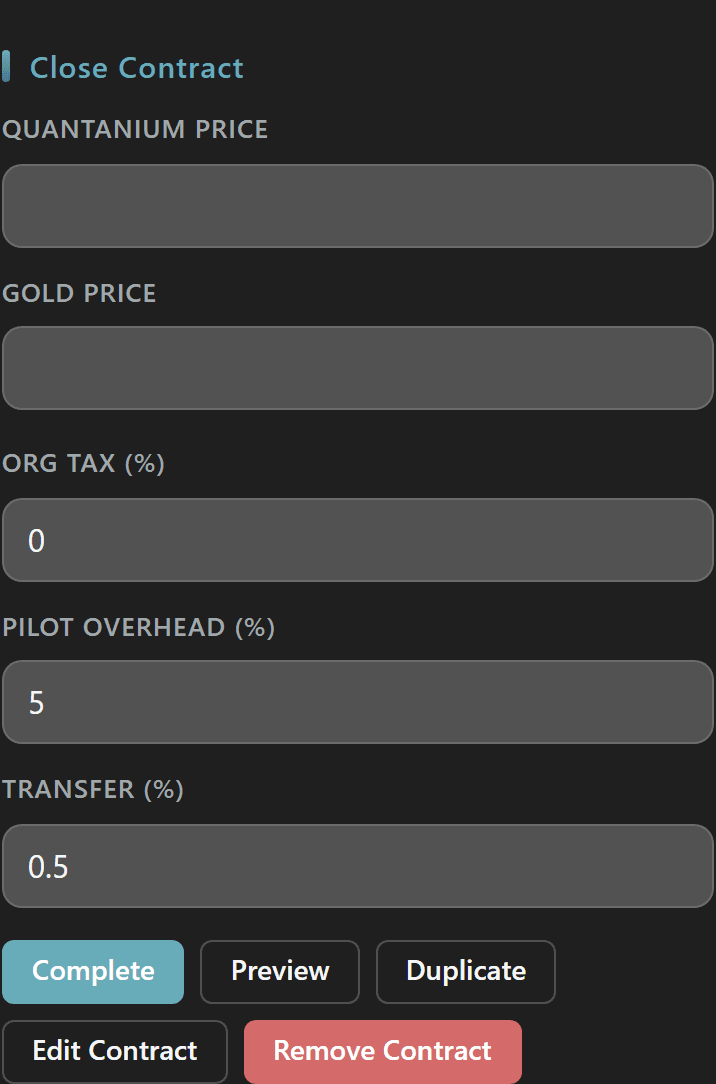
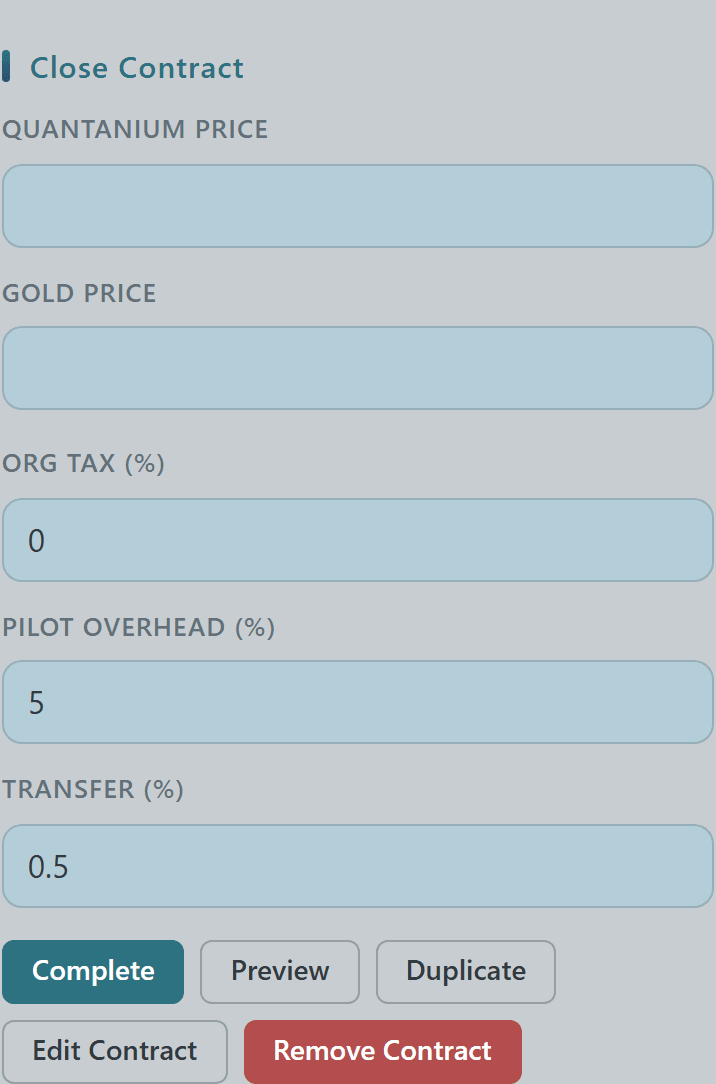
When the contract owner closes out an org contract, the Close Contract form auto-fills the Org Tax (%) field from your admin setting — pilots see exactly what the treasury takes before they finalize the payout.
In the example here the contract has no linked operation, so with the scope toggle on it shows 0 — once a contract is tied to an op the field populates from either the org default or the operation-level override.
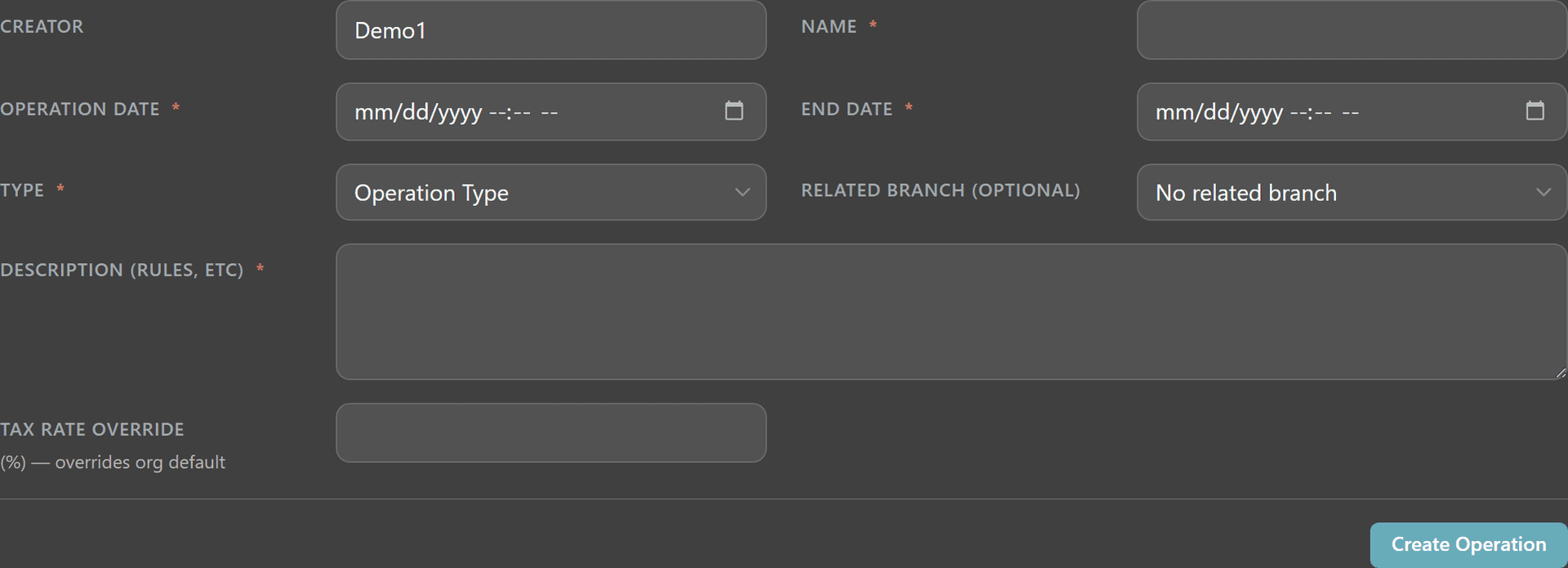
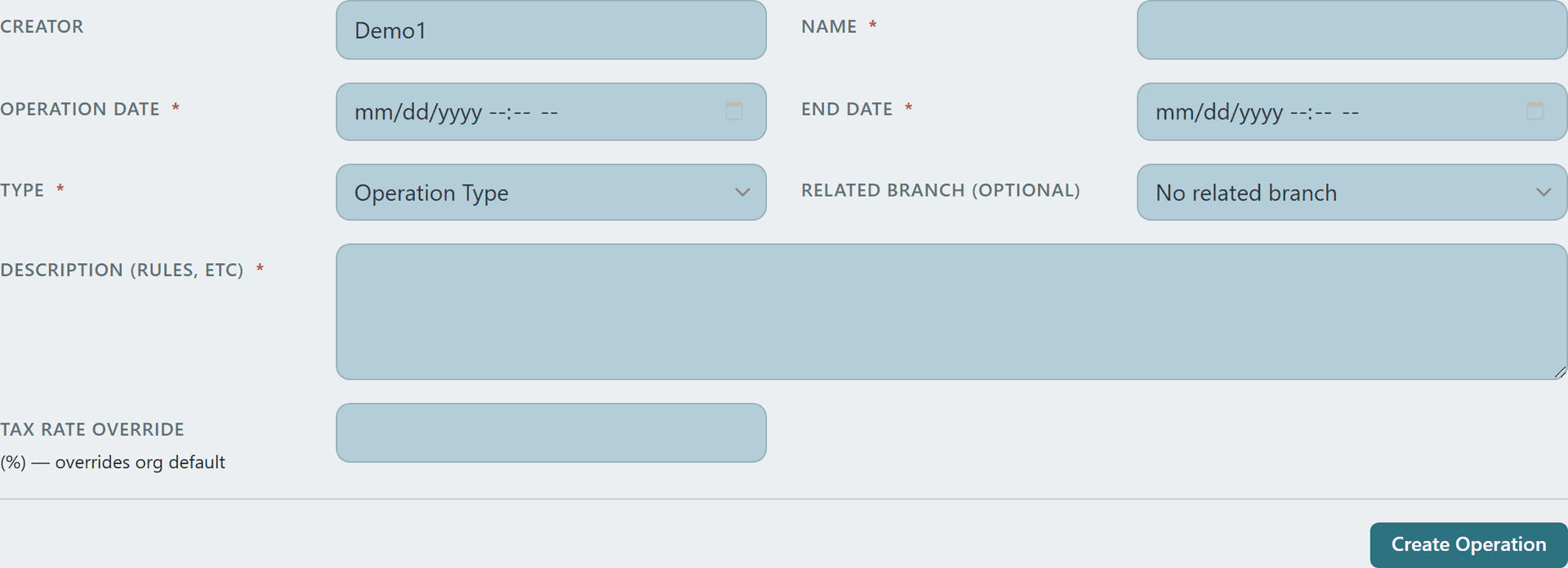
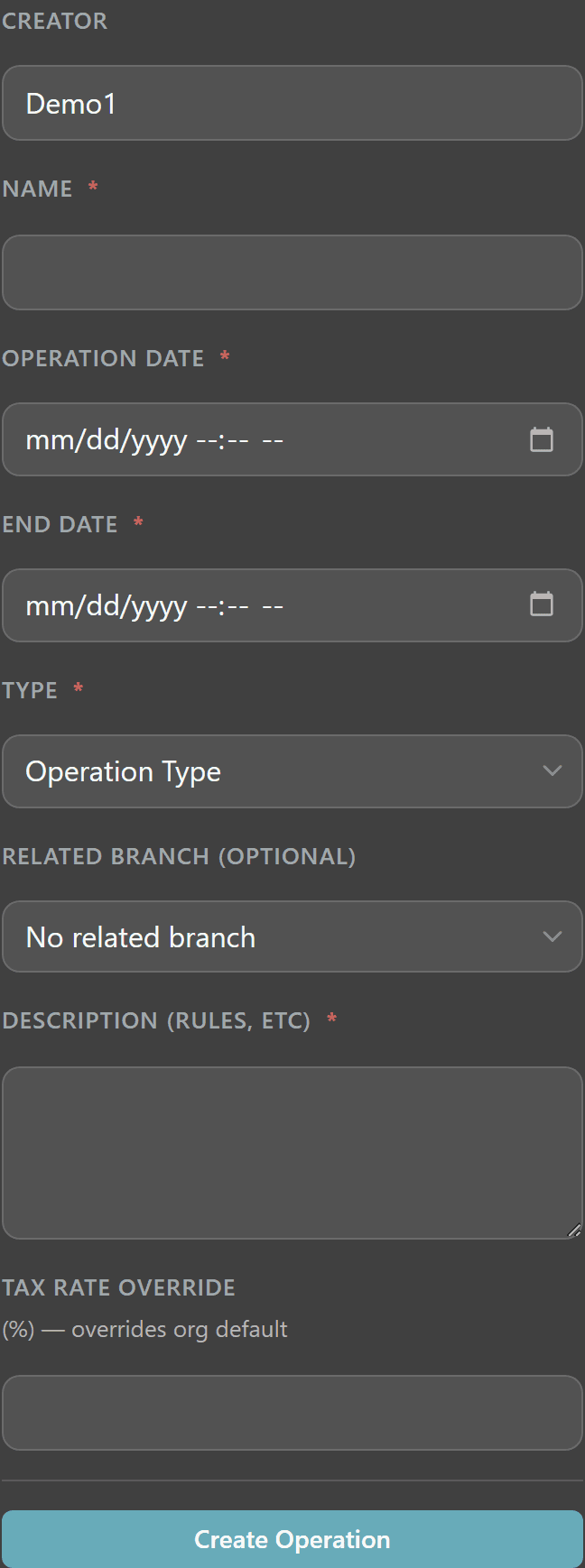
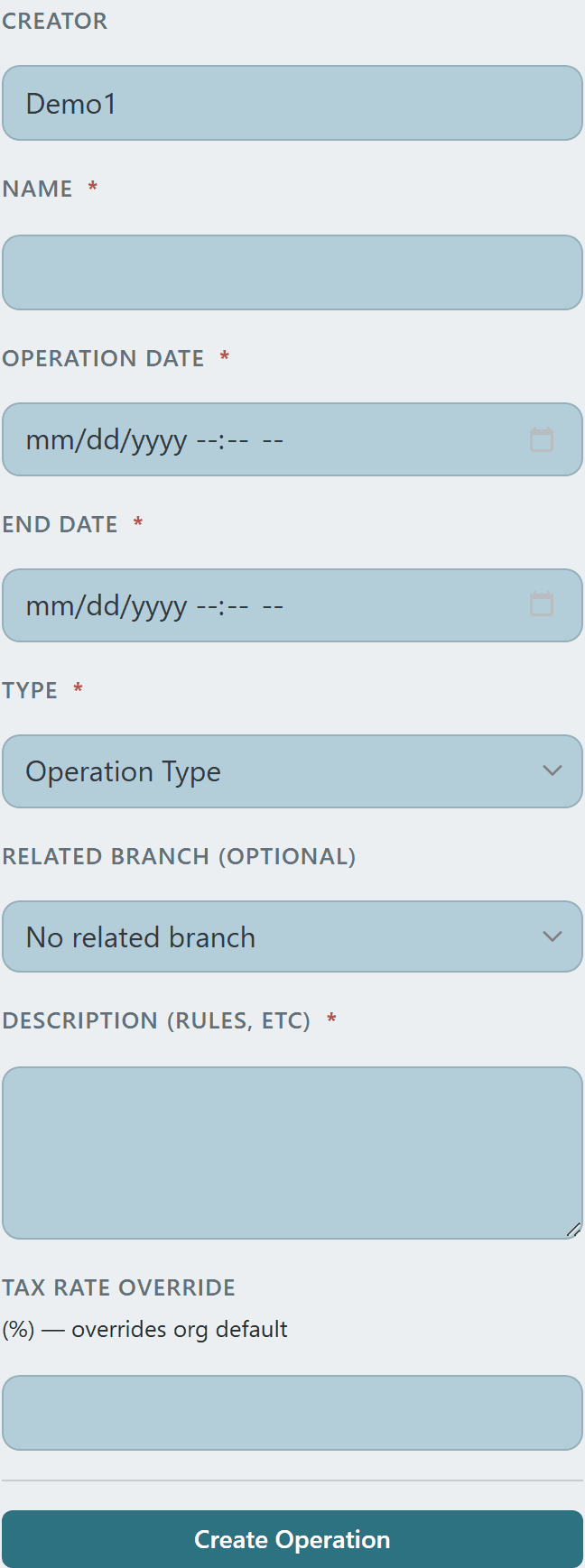
Need a different rate for a specific mission? The new-operation form has a Tax Rate Override (%) field that supersedes the org default for any contract attached to that operation.
Pair this with the Only-tax-operations scope from Step 1 to run an org where leadership only collects on flagged missions — and can fine-tune the rate per op when the mission profile shifts (high-risk gunfights vs. low-margin salvage runs).